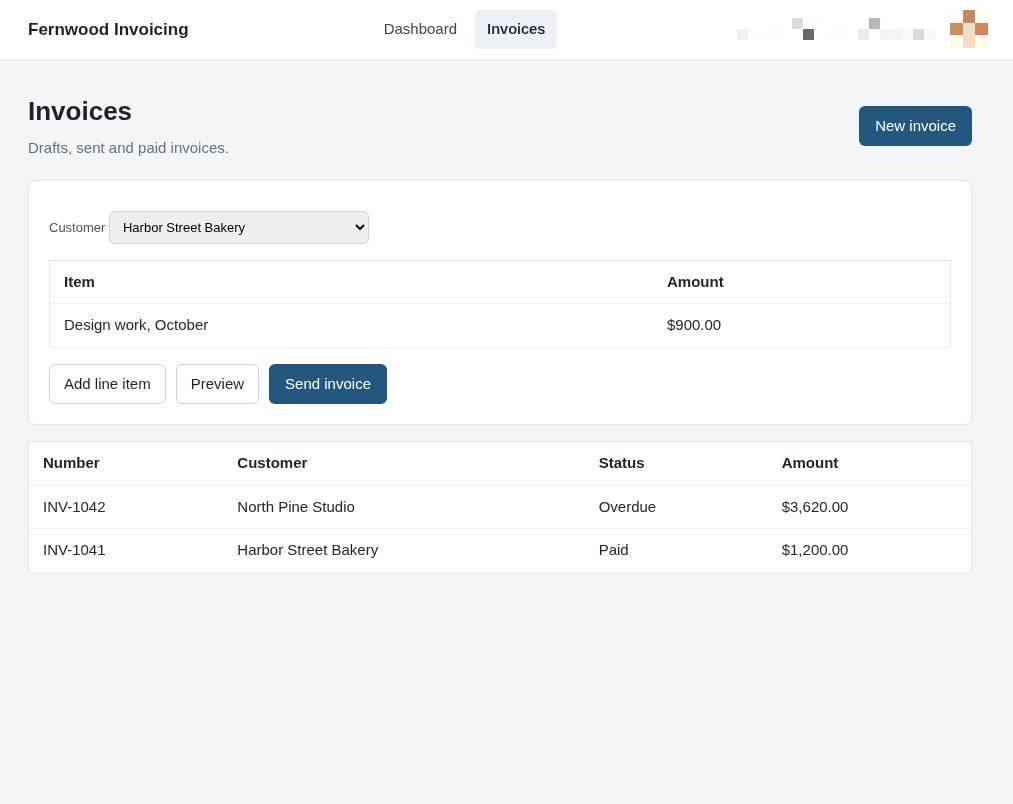
Send an invoice from the popup
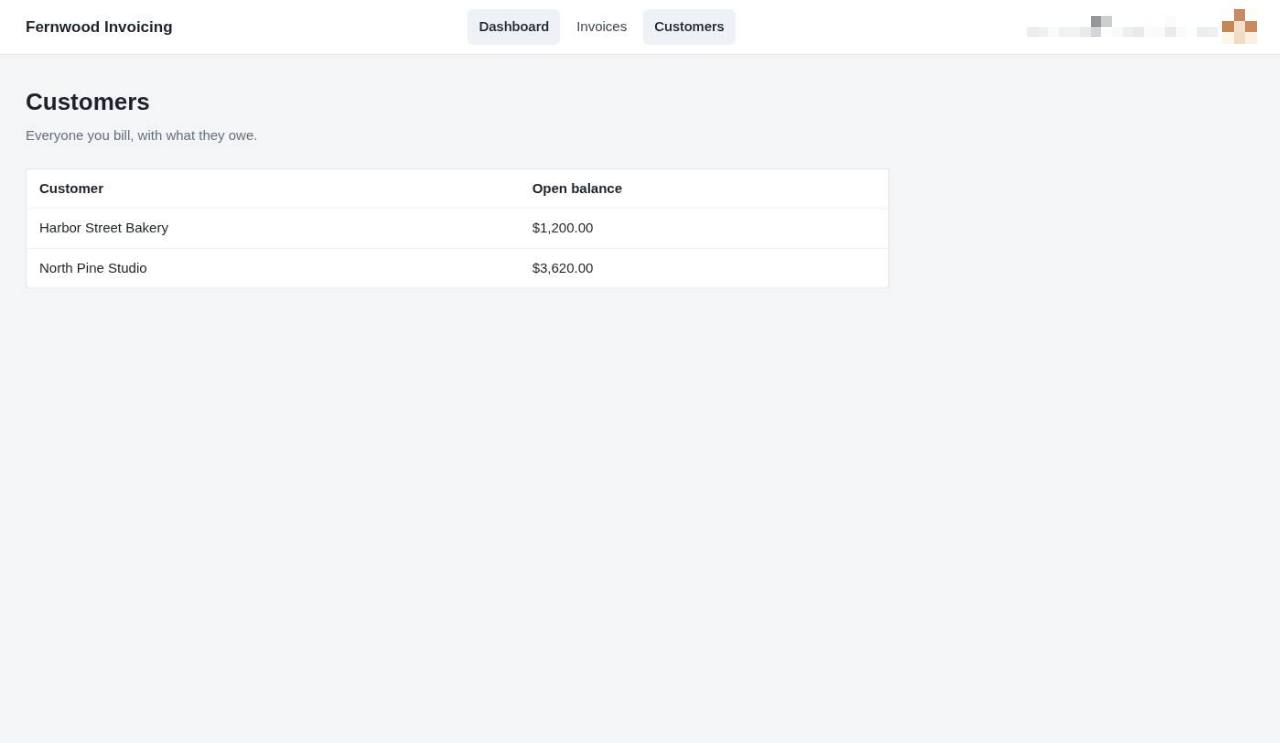
1.View your customers
Select Customers to see a list of everyone you bill and their current open balance.
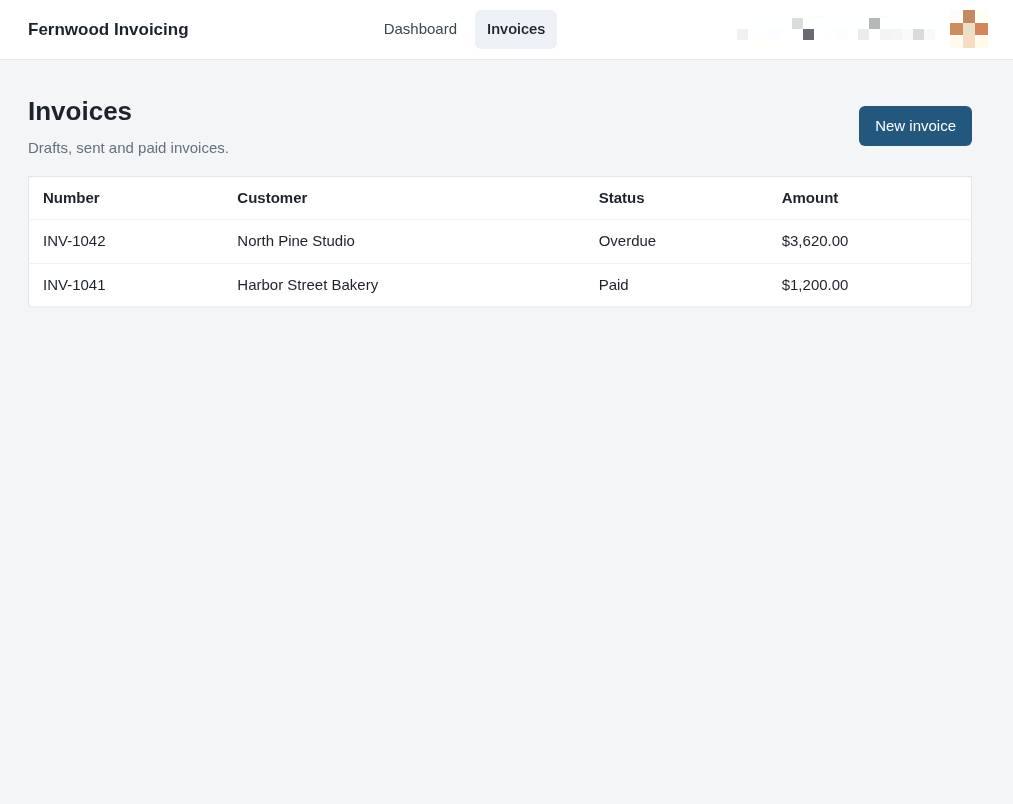
2.View all invoices
Select Invoices from the top navigation to see a list of your draft, sent, and paid invoices.
3.Create a new invoice
Select New invoice to open the form for your billing details.
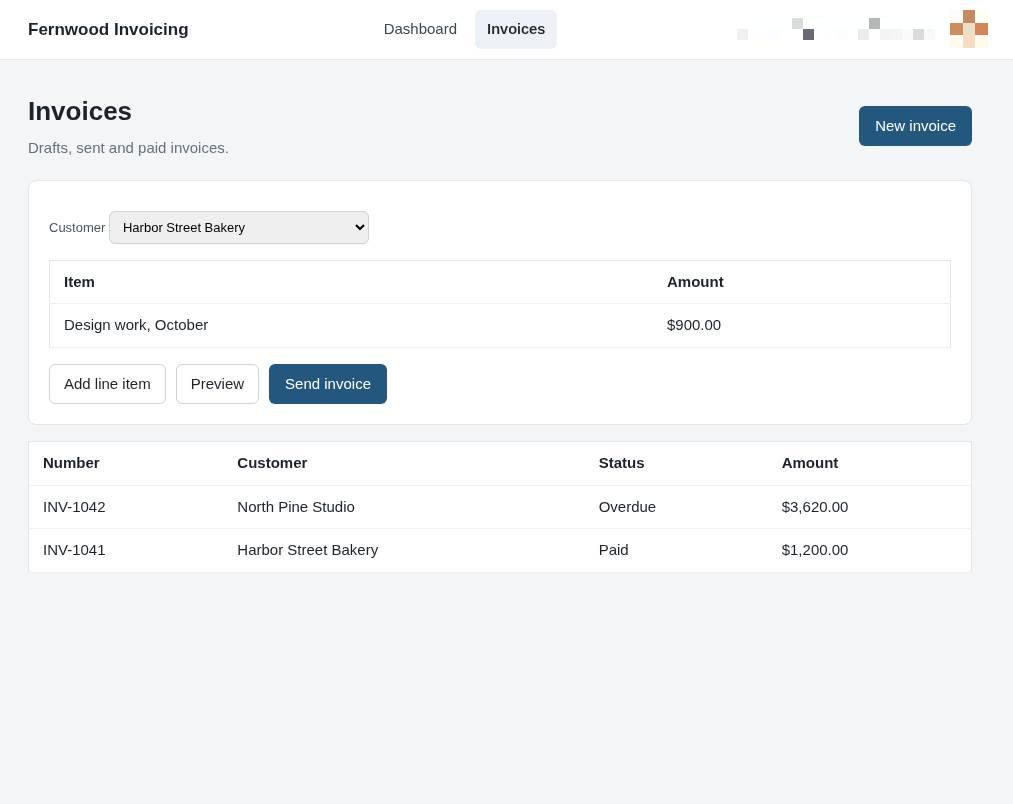
4.Send the invoice
Select Send invoice to deliver the document to your customer.