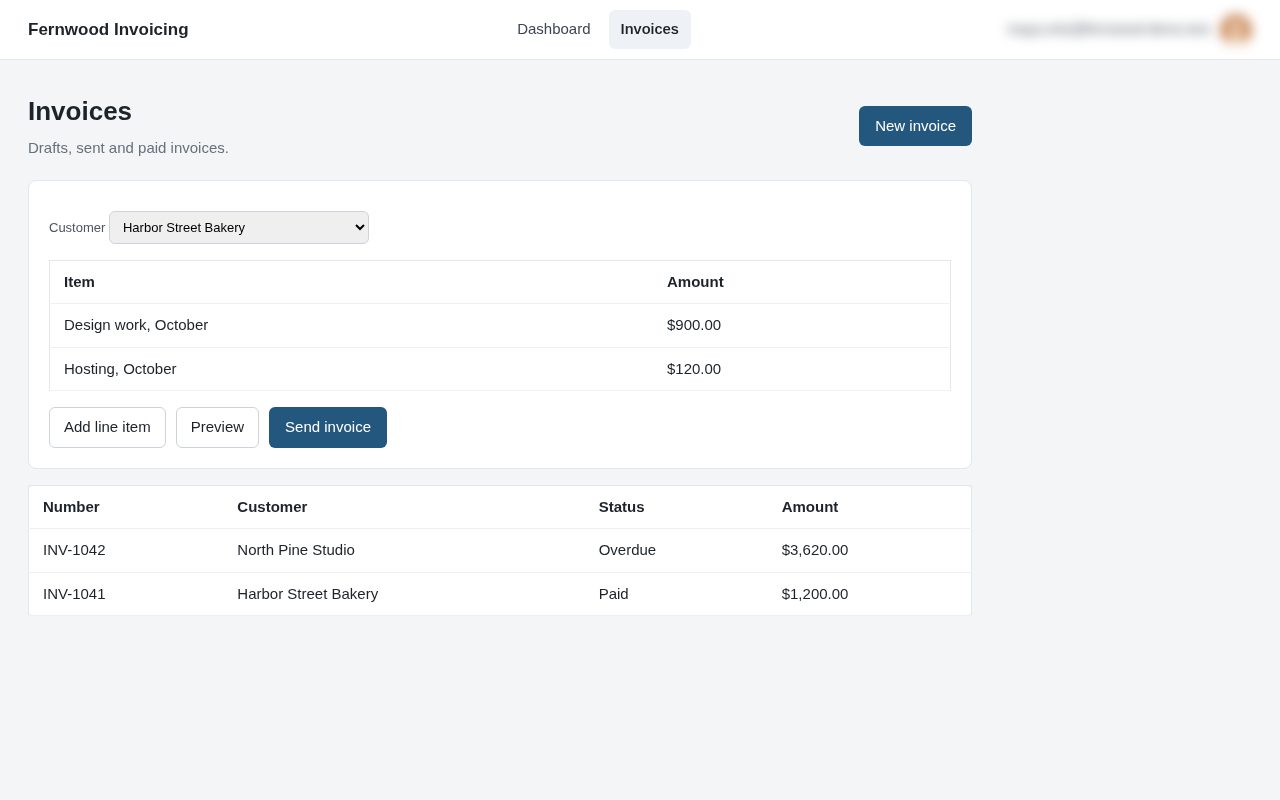
Send your first invoice
A sample guide made with Asterly from a made-up invoicing app. Edit it, publish it, or delete it.
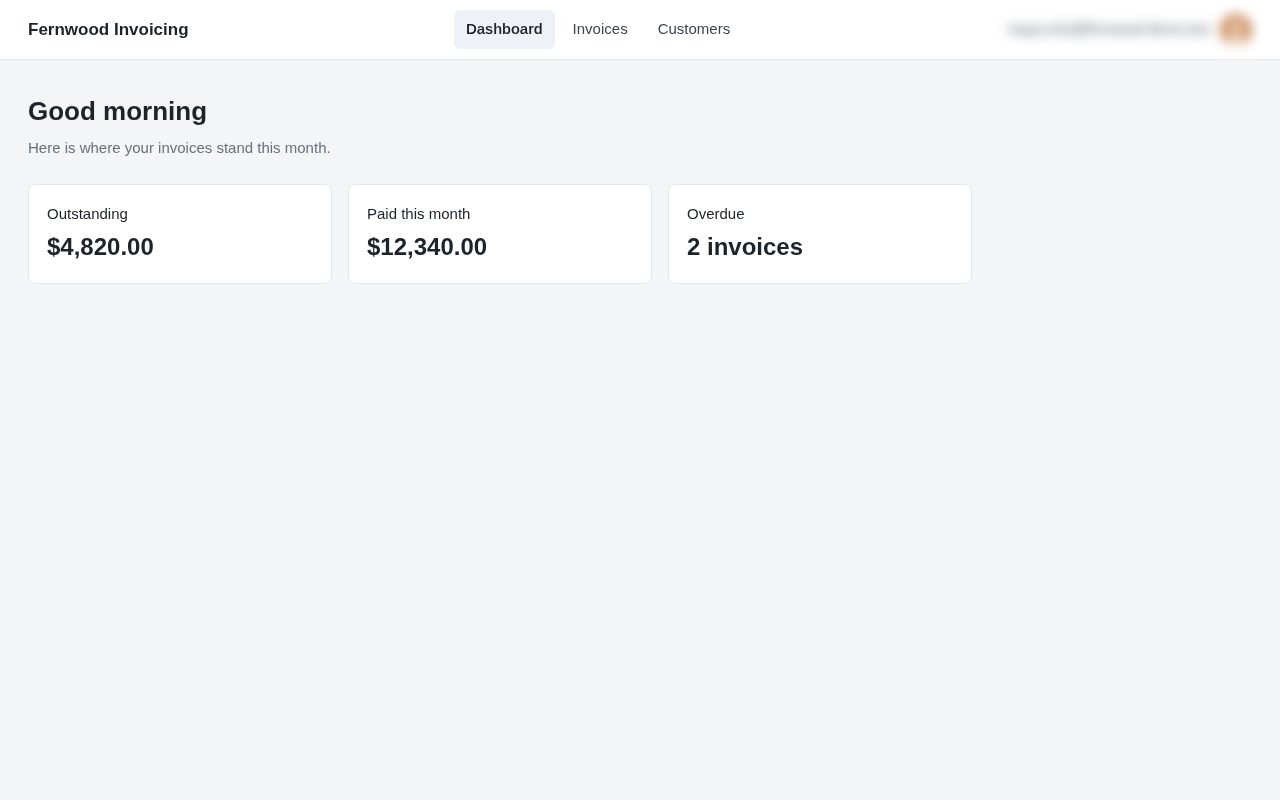
1.Check who you are billing
Open Customers in the top bar to see everyone you bill and what each one owes.
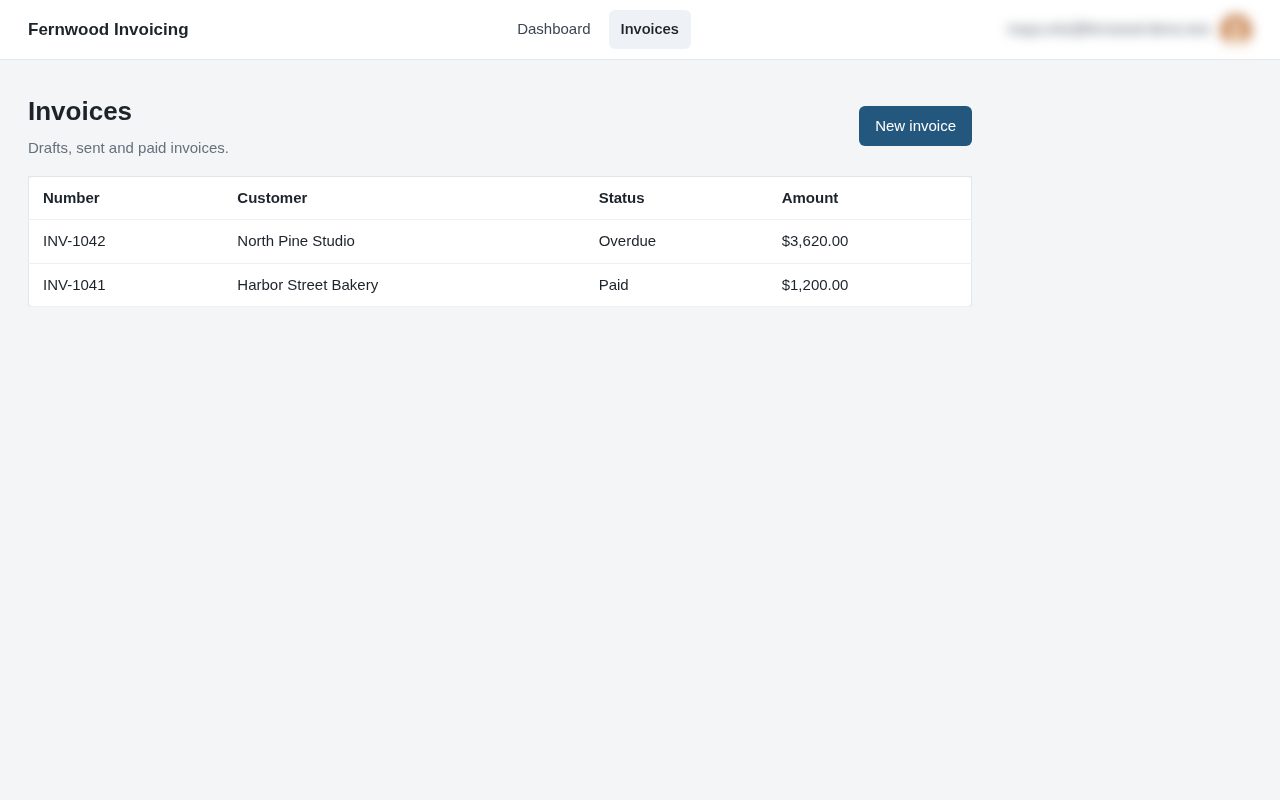
2.Start a new invoice
Go to Invoices in the top bar and choose New invoice.
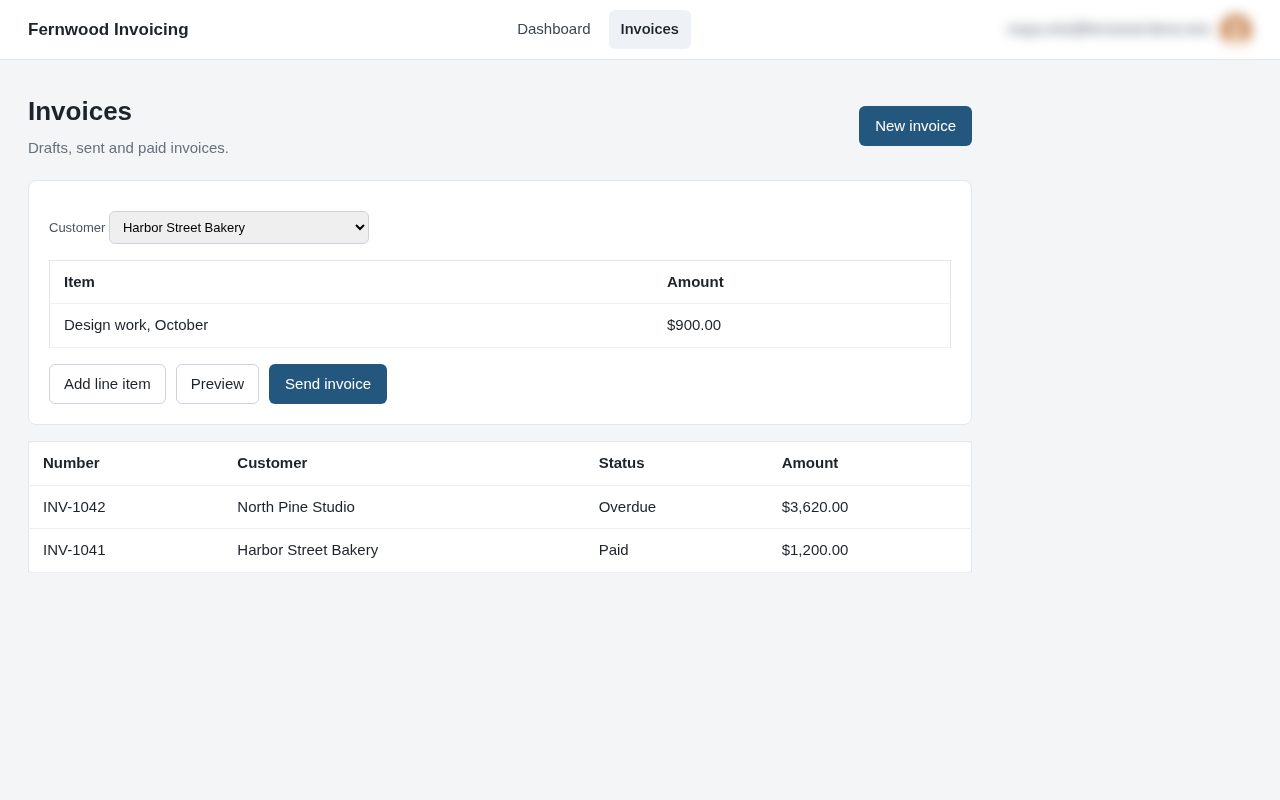
3.Add what you are billing for
Pick the customer, then choose Add line item for each piece of work you are billing for.
4.Send it
Choose Send invoice. Fernwood emails it to the customer and marks it as sent.