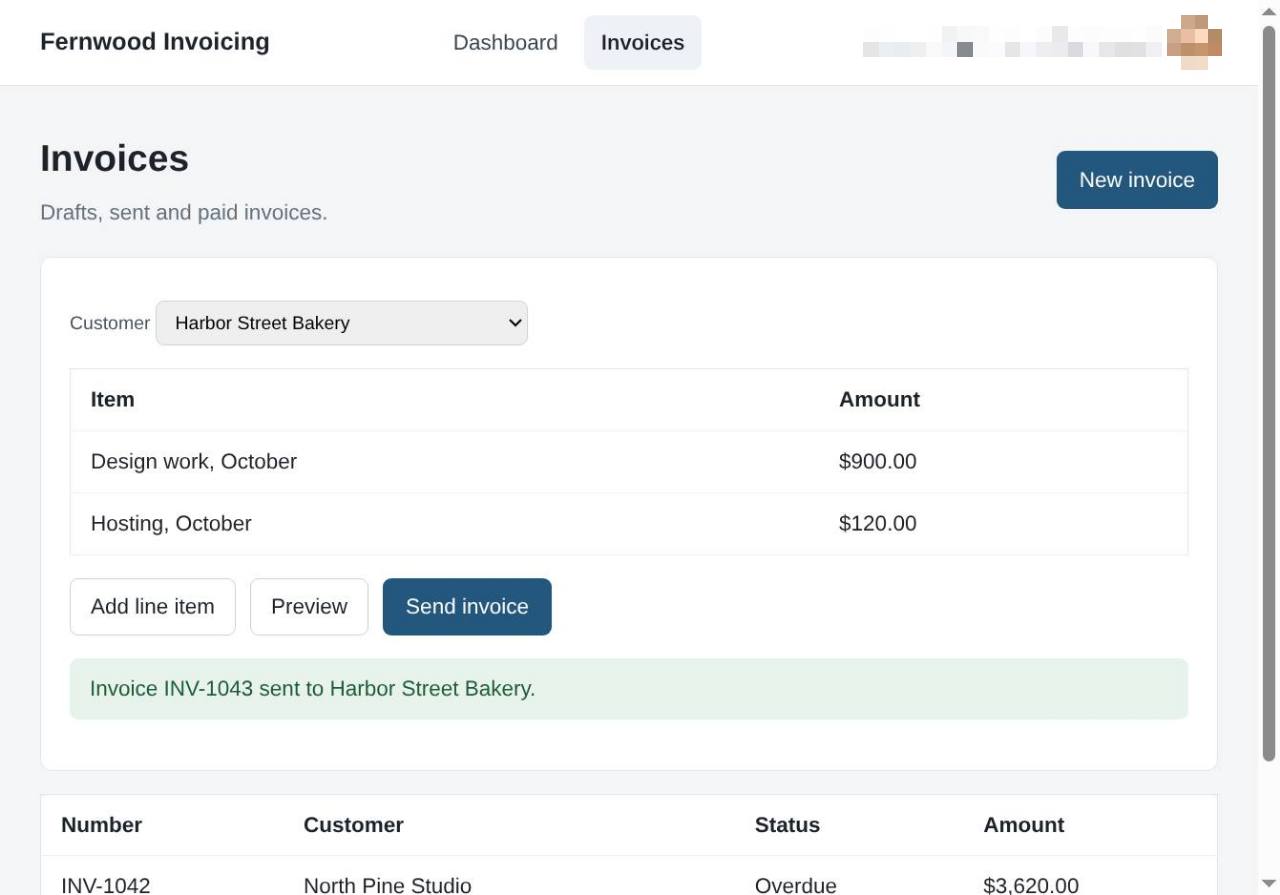
Send your first invoice
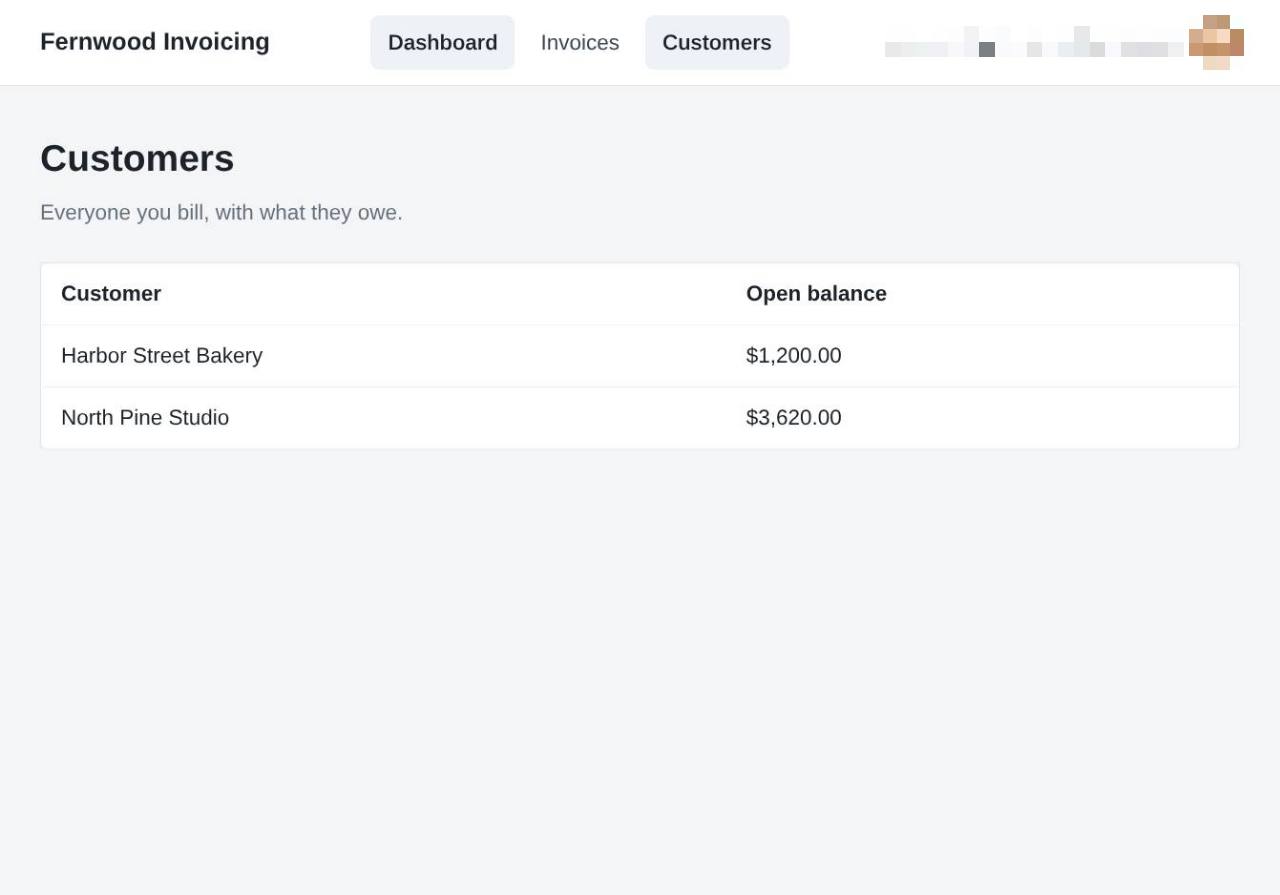
1.View your customers
Select Customers from the navigation menu to see a list of everyone you bill and their current open balance.
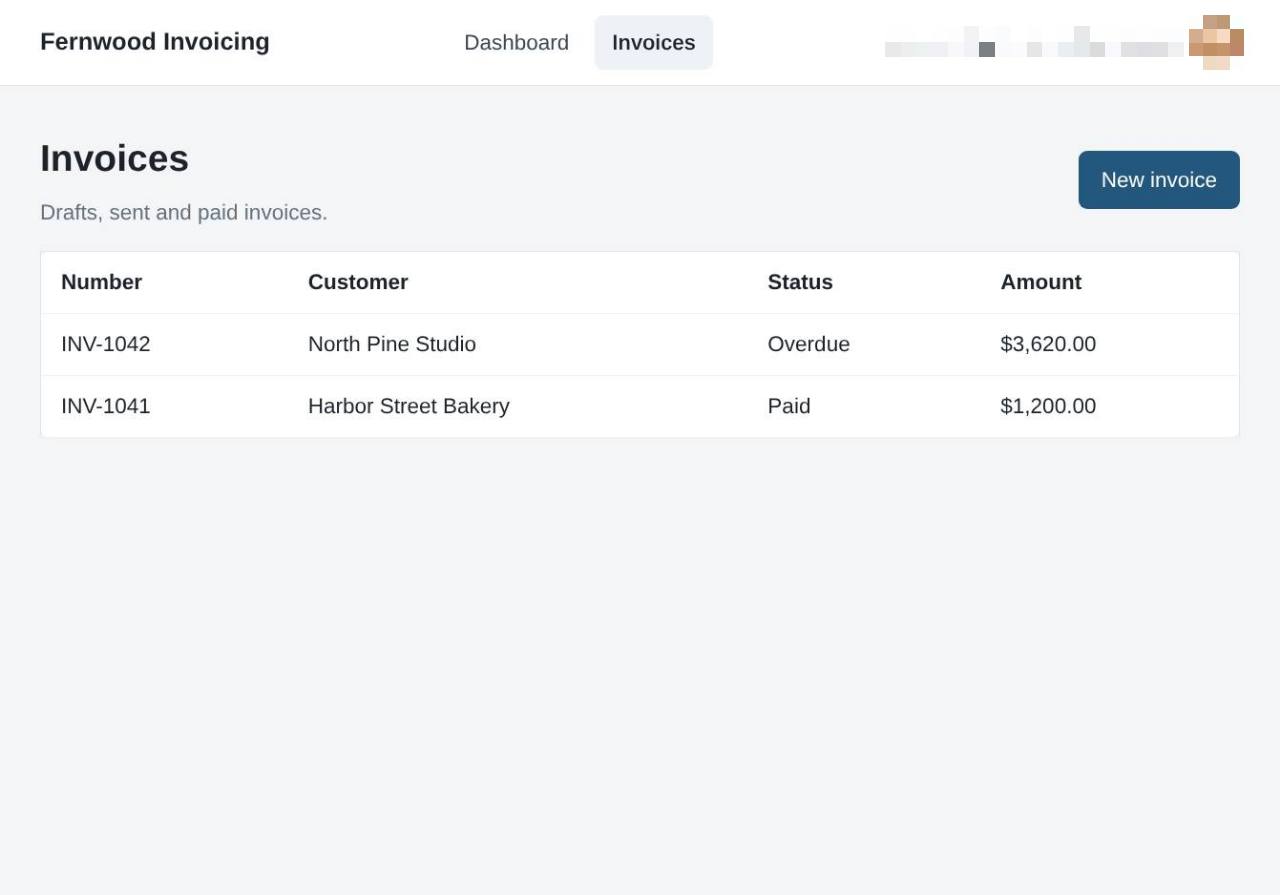
2.Open your invoice list
Select Invoices to view your list of sent, paid, and draft invoices.
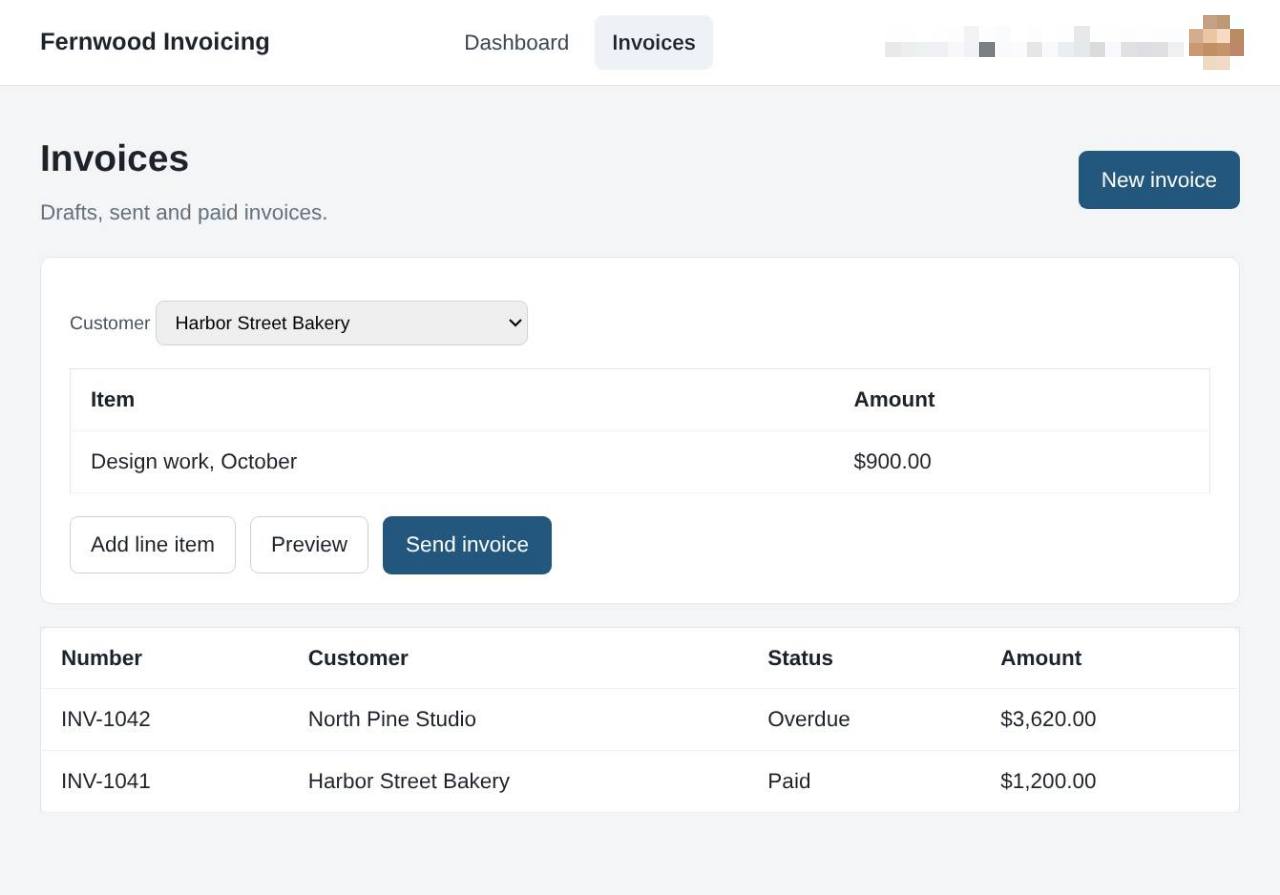
3.Create a new invoice
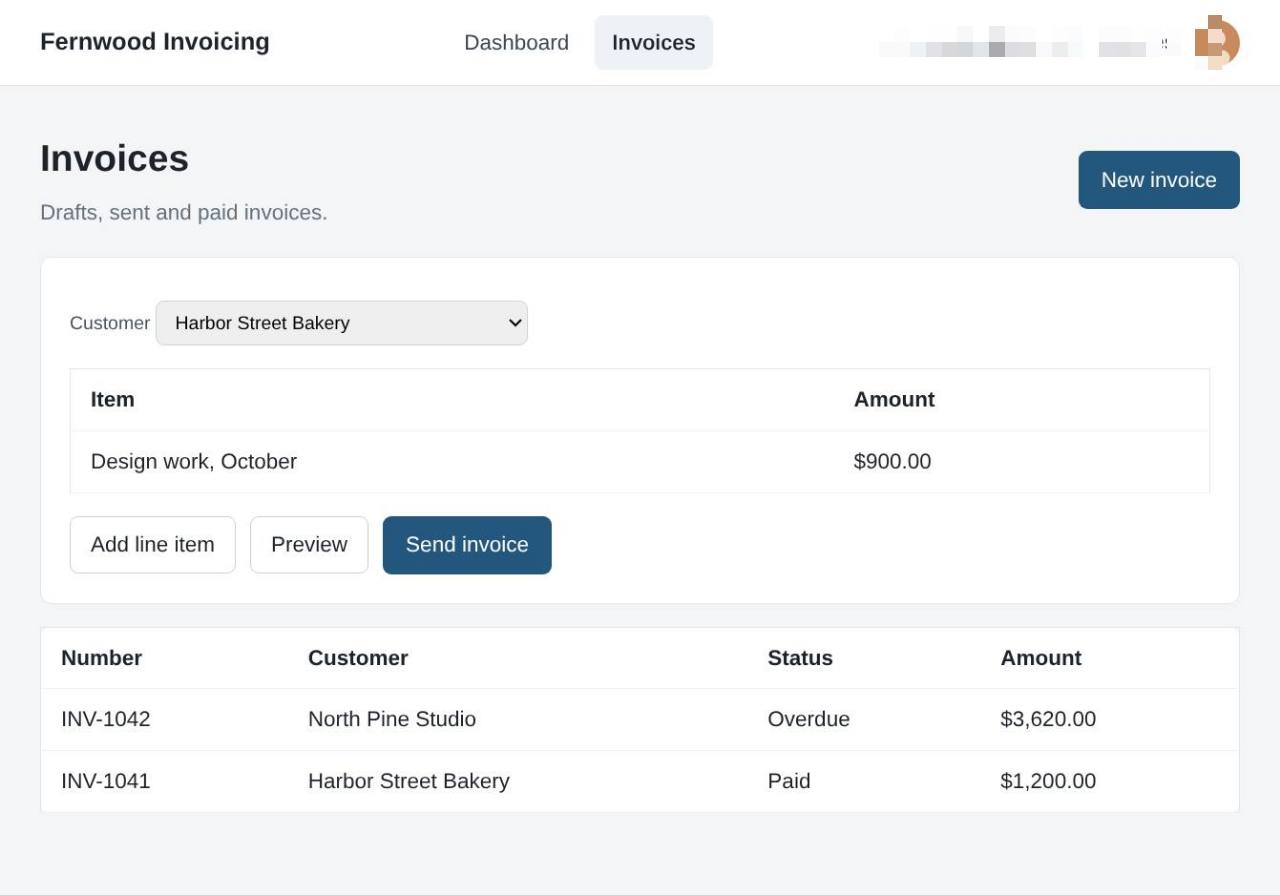
Select New invoice to open a new invoice form.
4.Add a line item
Select Add line item to include additional goods or services on your invoice.
5.Preview your invoice
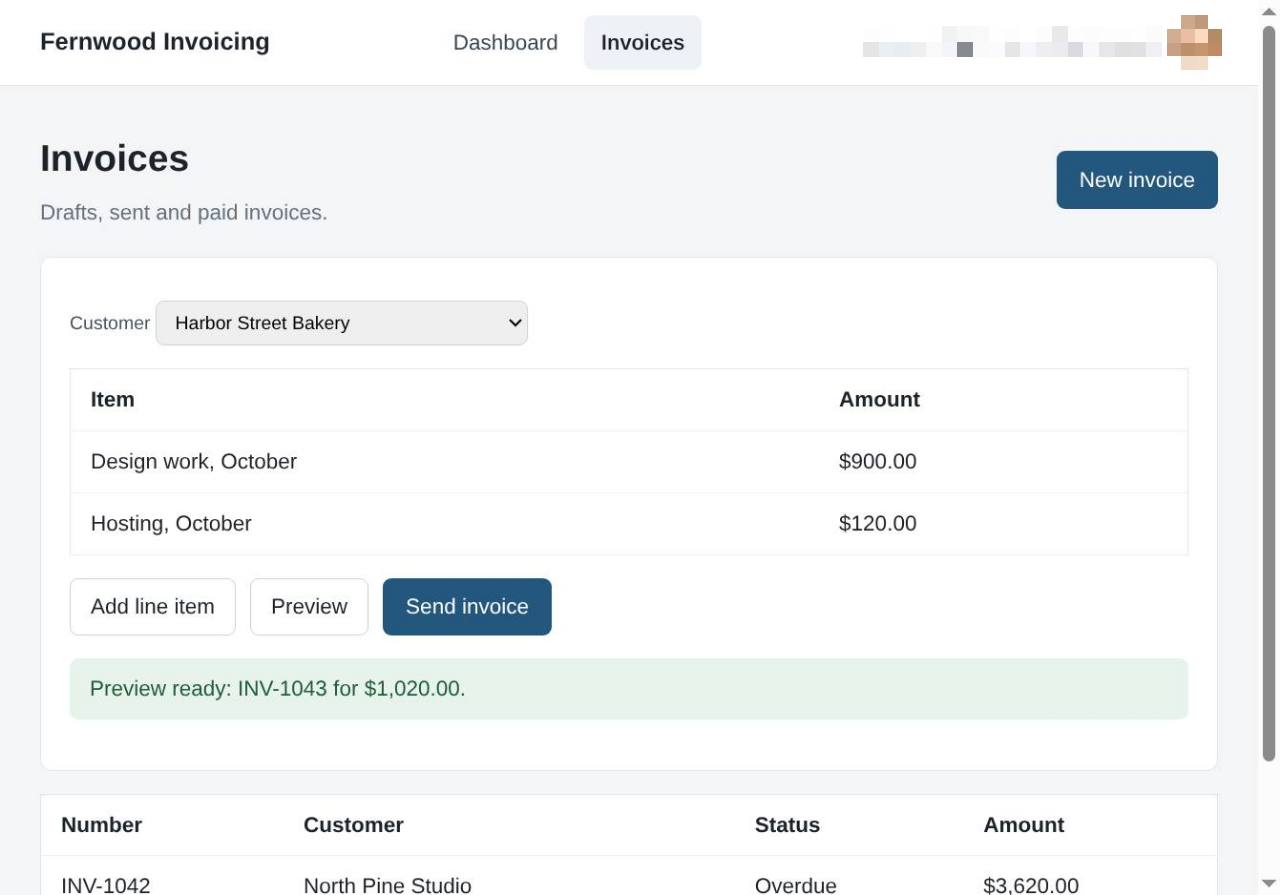
Select Preview to view your document before sending. A message appears confirming that the invoice is ready.
6.Send the invoice
Select Send invoice. A message confirms the invoice was sent to your customer.