Send your first invoice
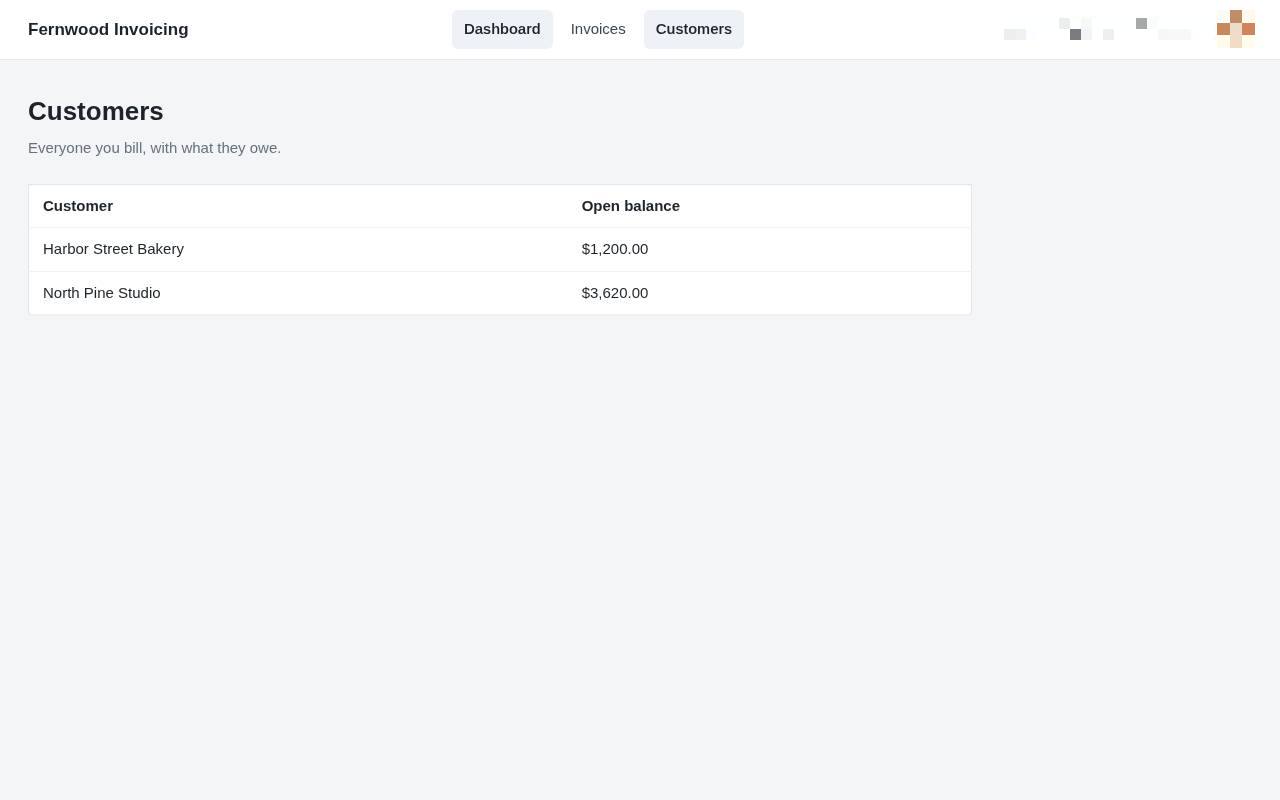
1.View your customers
Select Customers to see a list of everyone you bill and their current open balances.
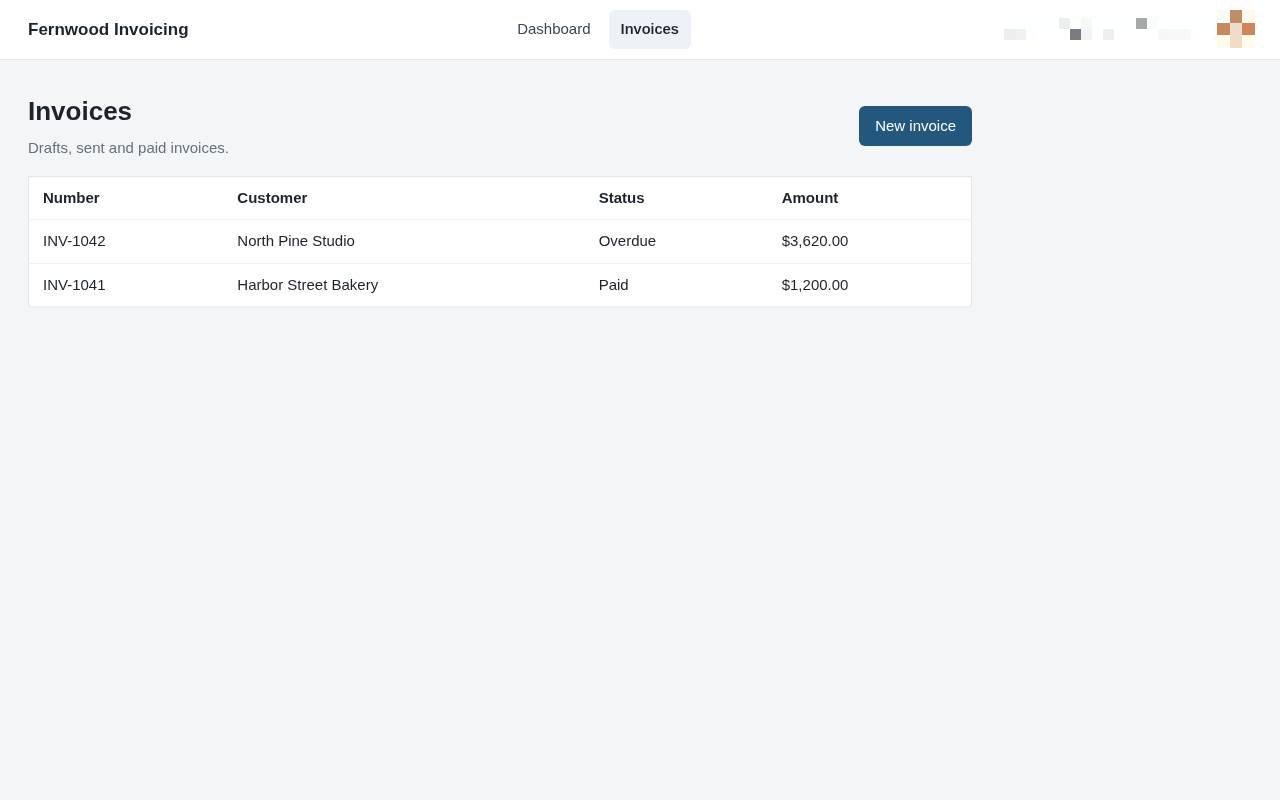
2.View your invoices
Select Invoices to see a list of your draft, sent, and paid bills.
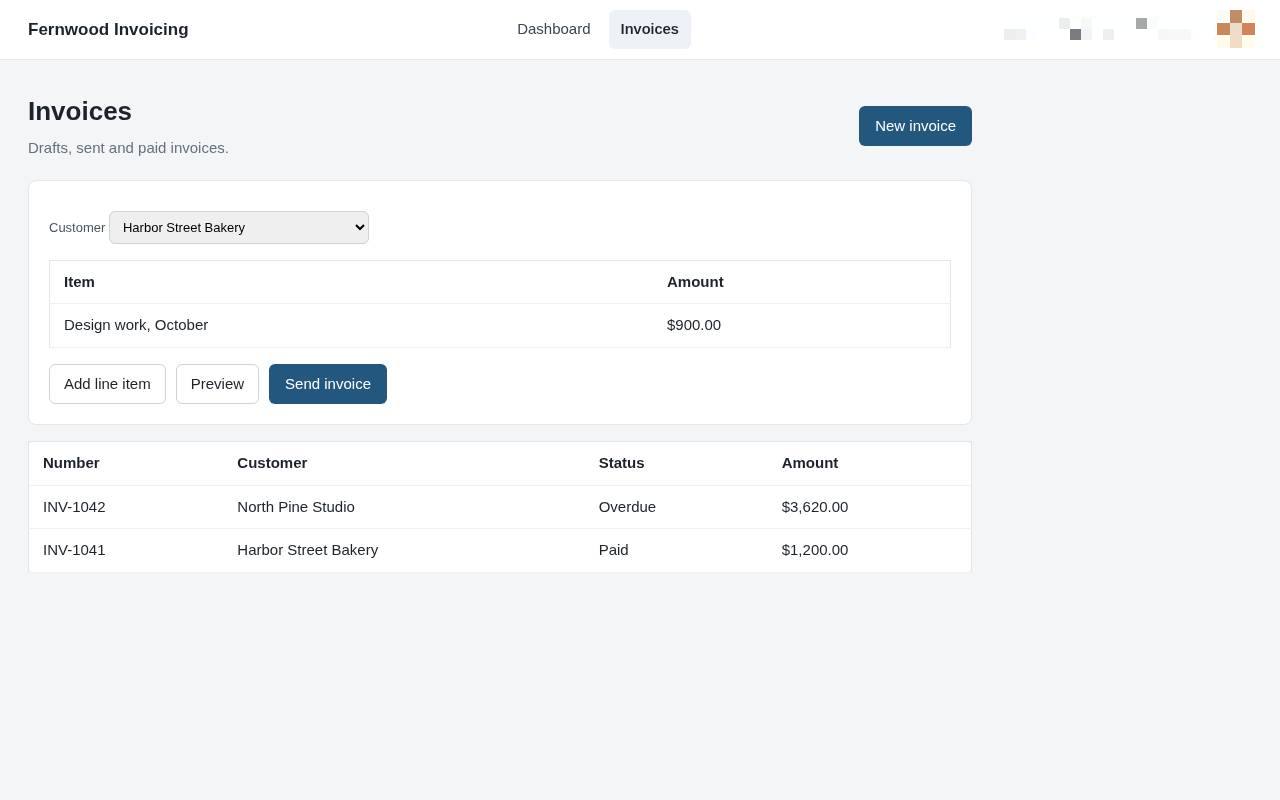
3.Create a new invoice
Select New invoice to start a draft for your client. This opens the editor where you can enter billing details.
4.Add a line item
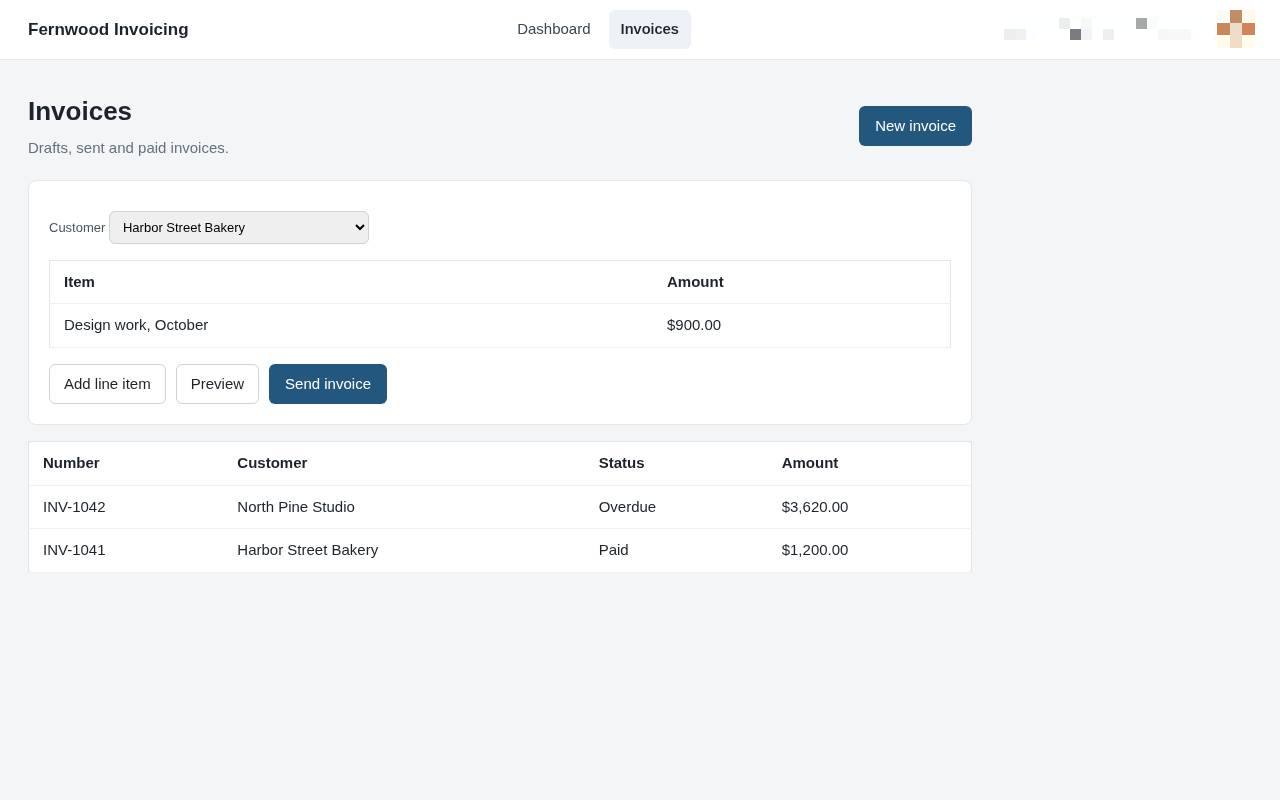
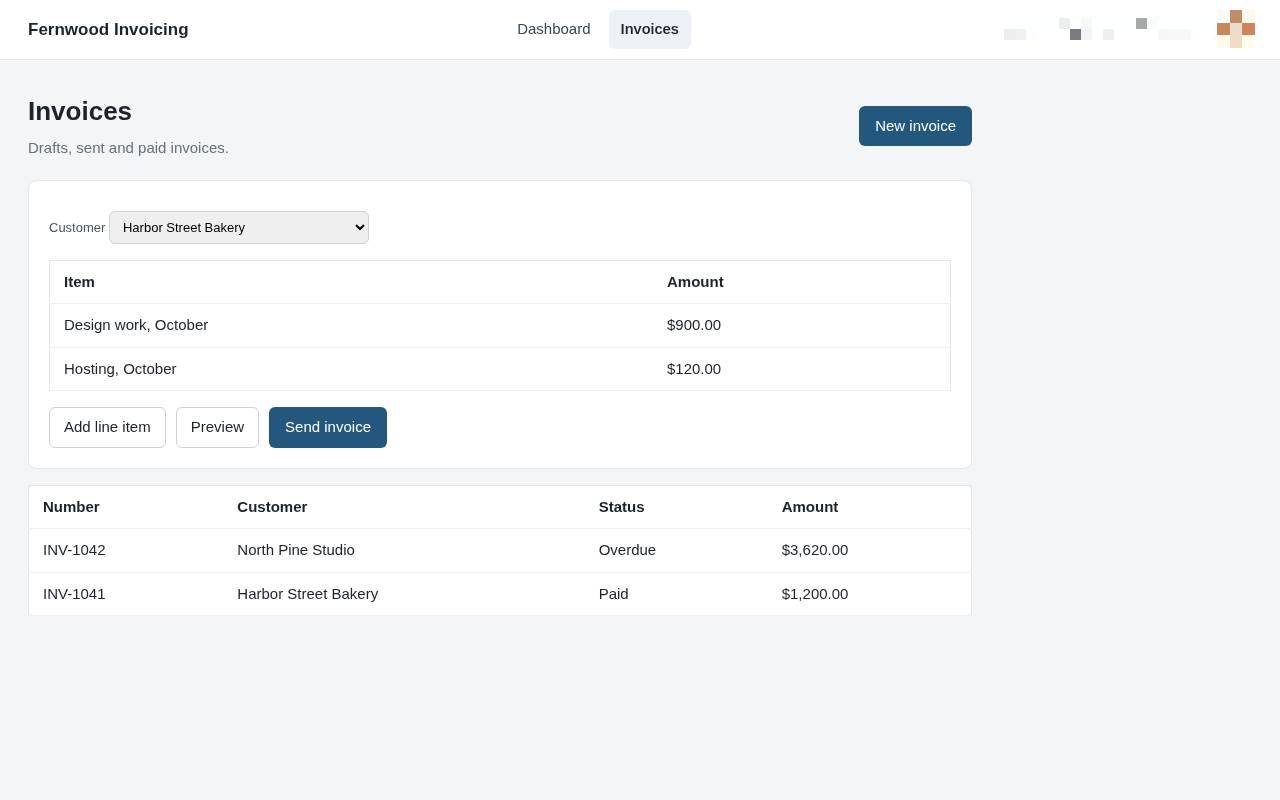
Select Add line item to include additional services or products on your invoice.
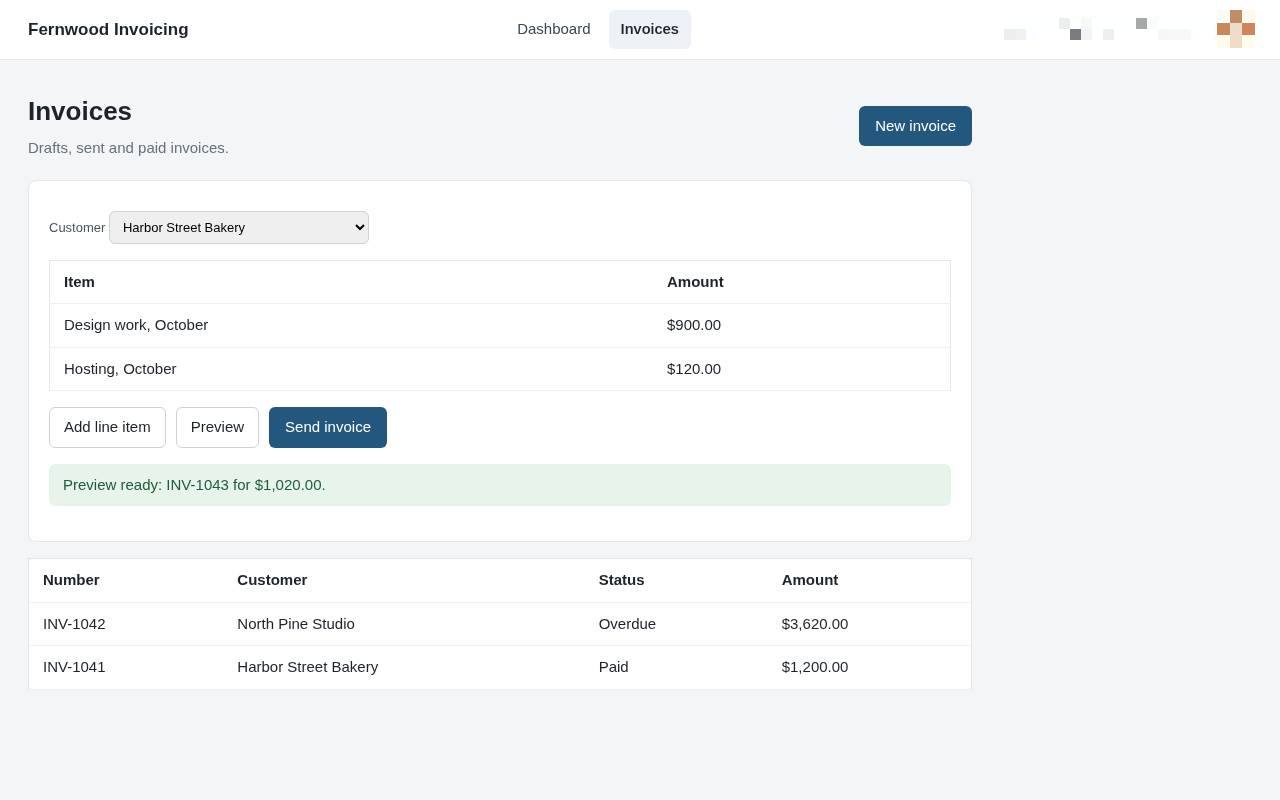
5.Preview your invoice
Select Preview to view how the final document looks before it is sent to the customer.
6.Send the invoice
Choose Send invoice. A message confirms the invoice was sent to your customer.