Send your first invoice
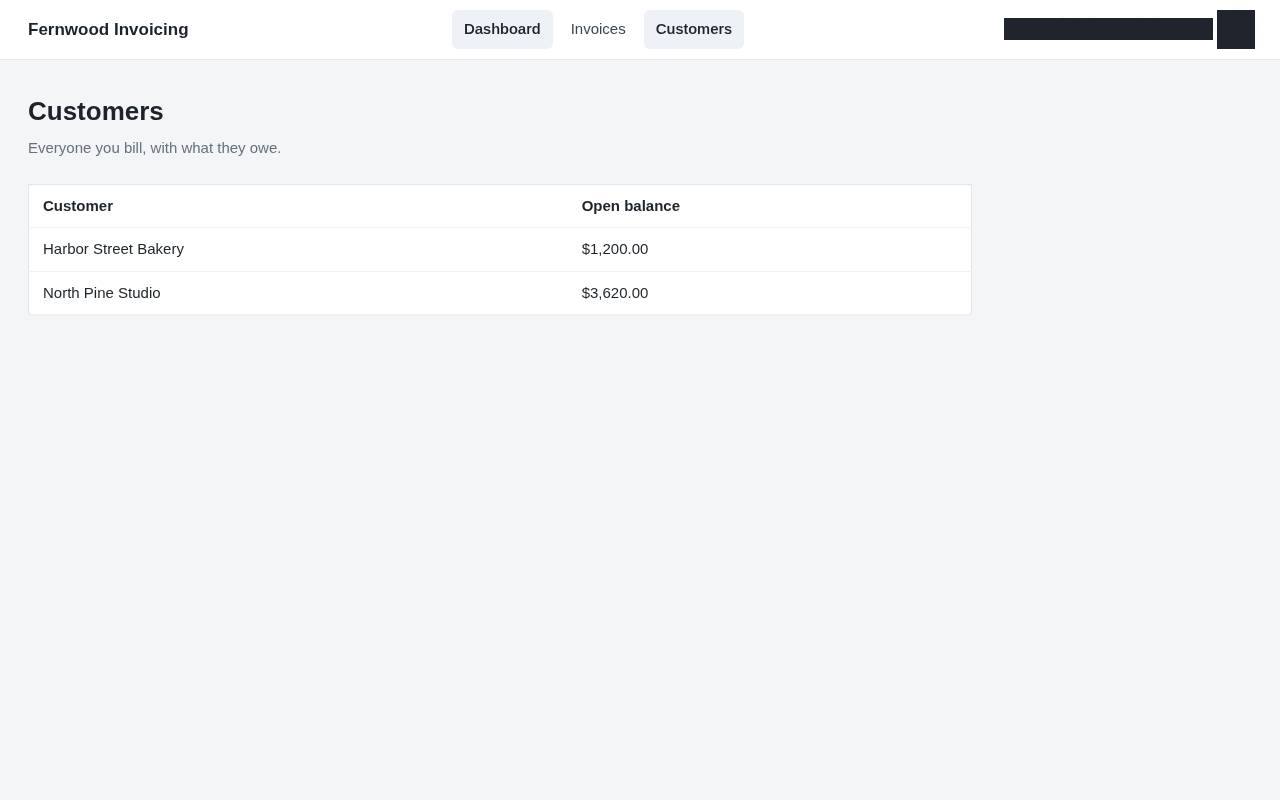
1.Customers
Open Customers to see who you bill.
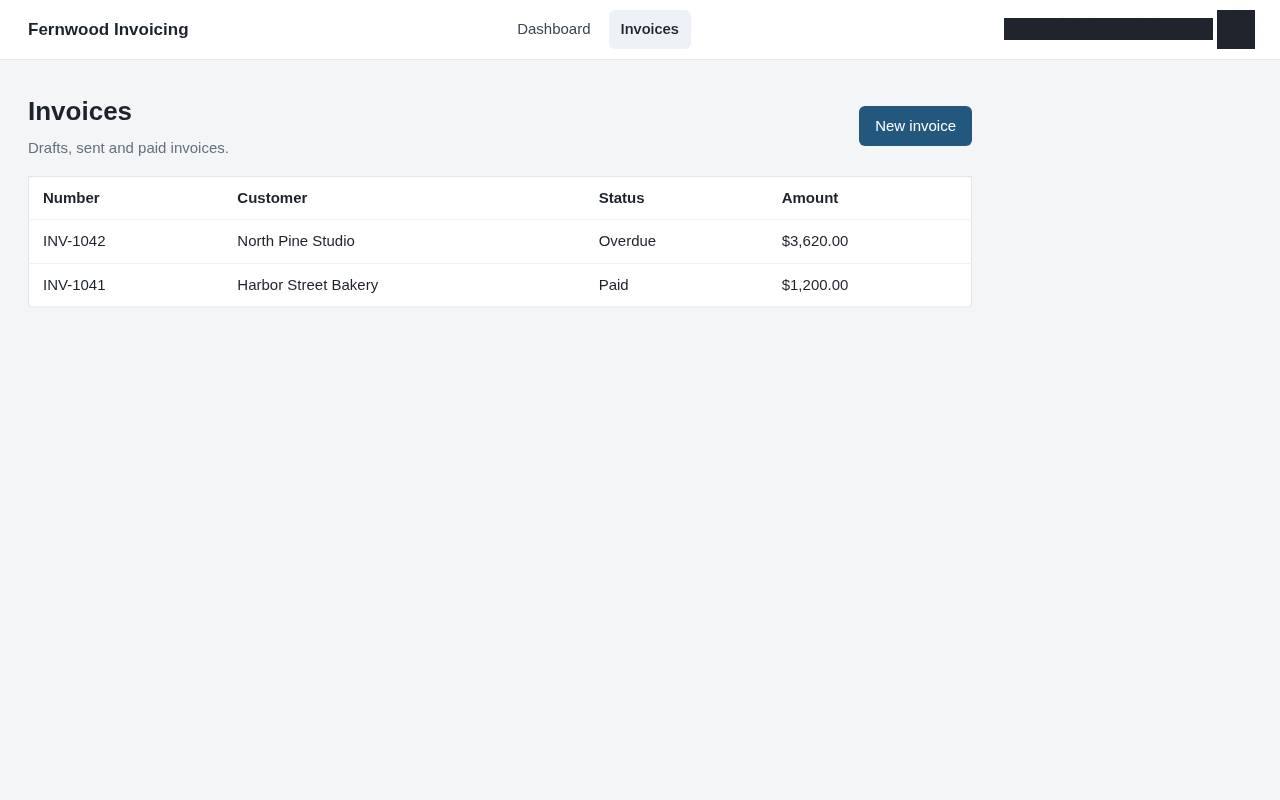
2.Invoices
Go to Invoices.
3.New invoice
Click New invoice.
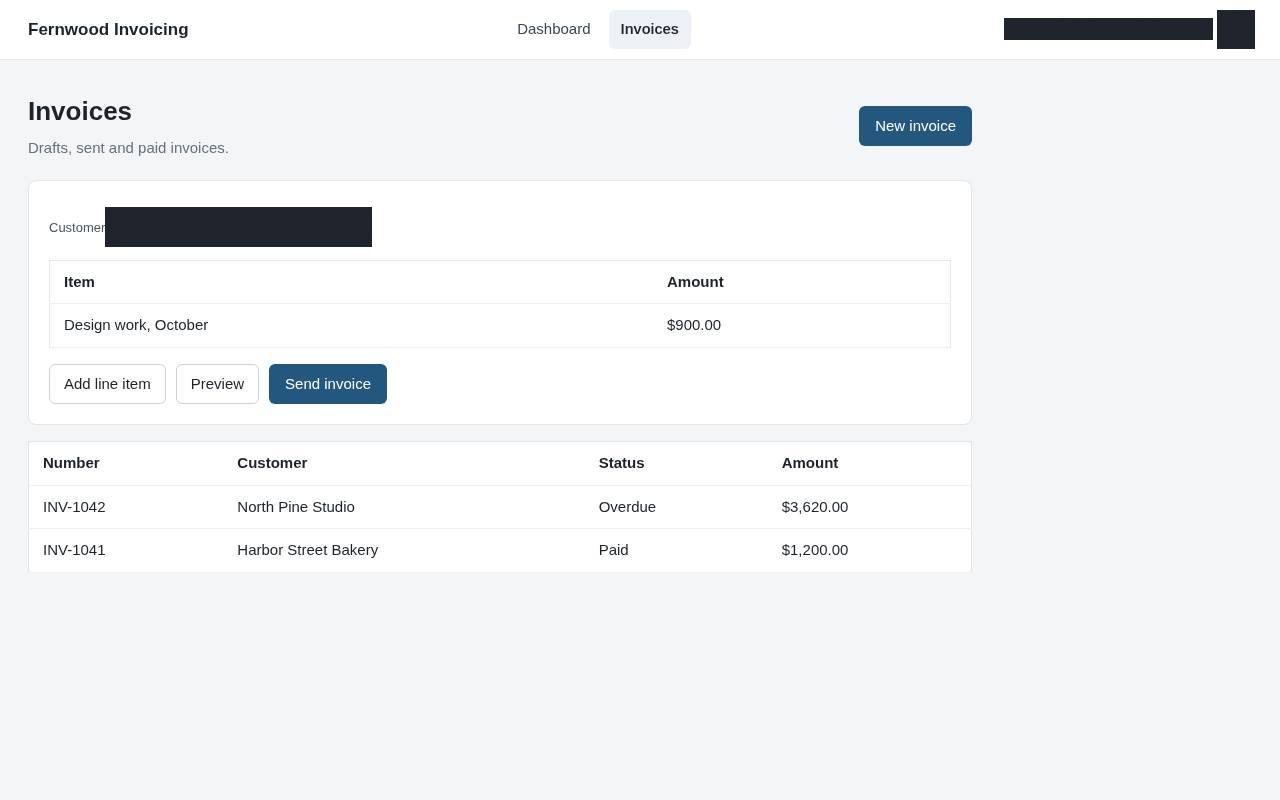
4.Add line item
Click Add line item and enter what you are billing for.
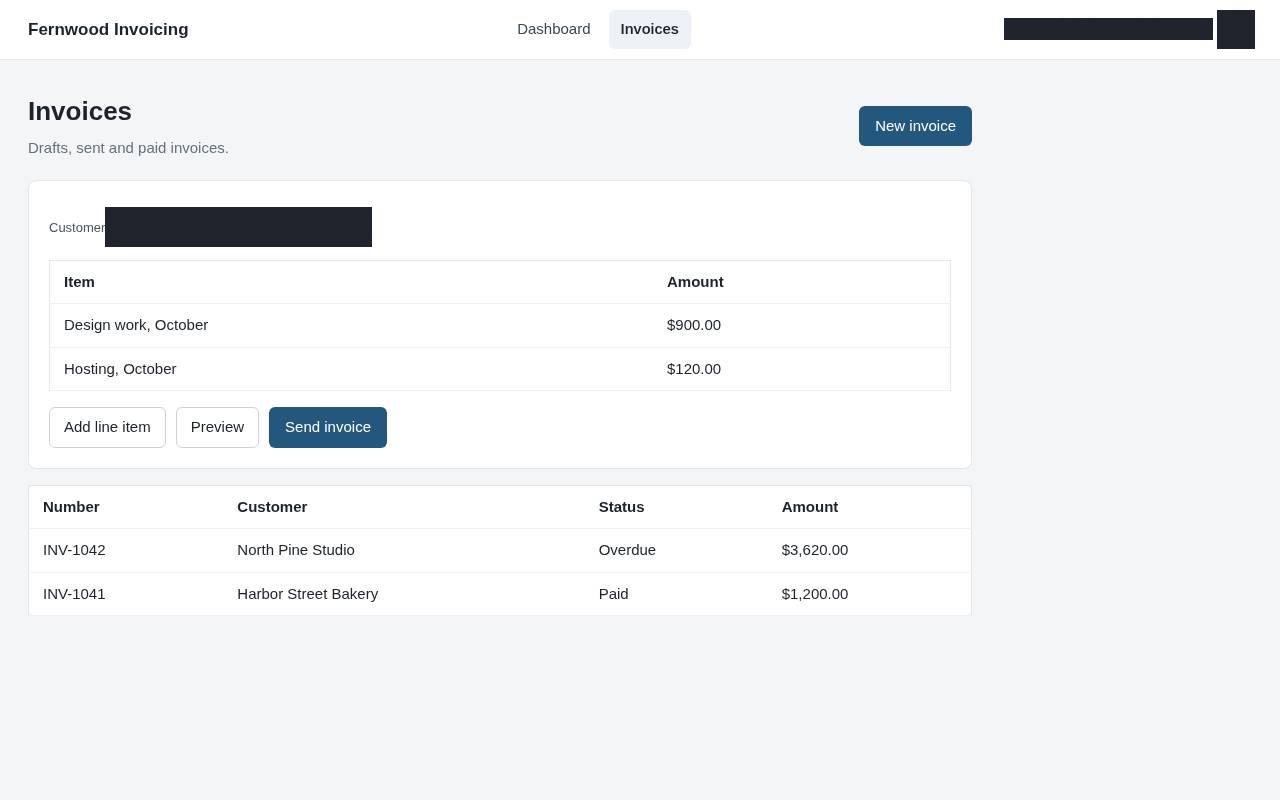
5.Preview
Click Preview to check the invoice.
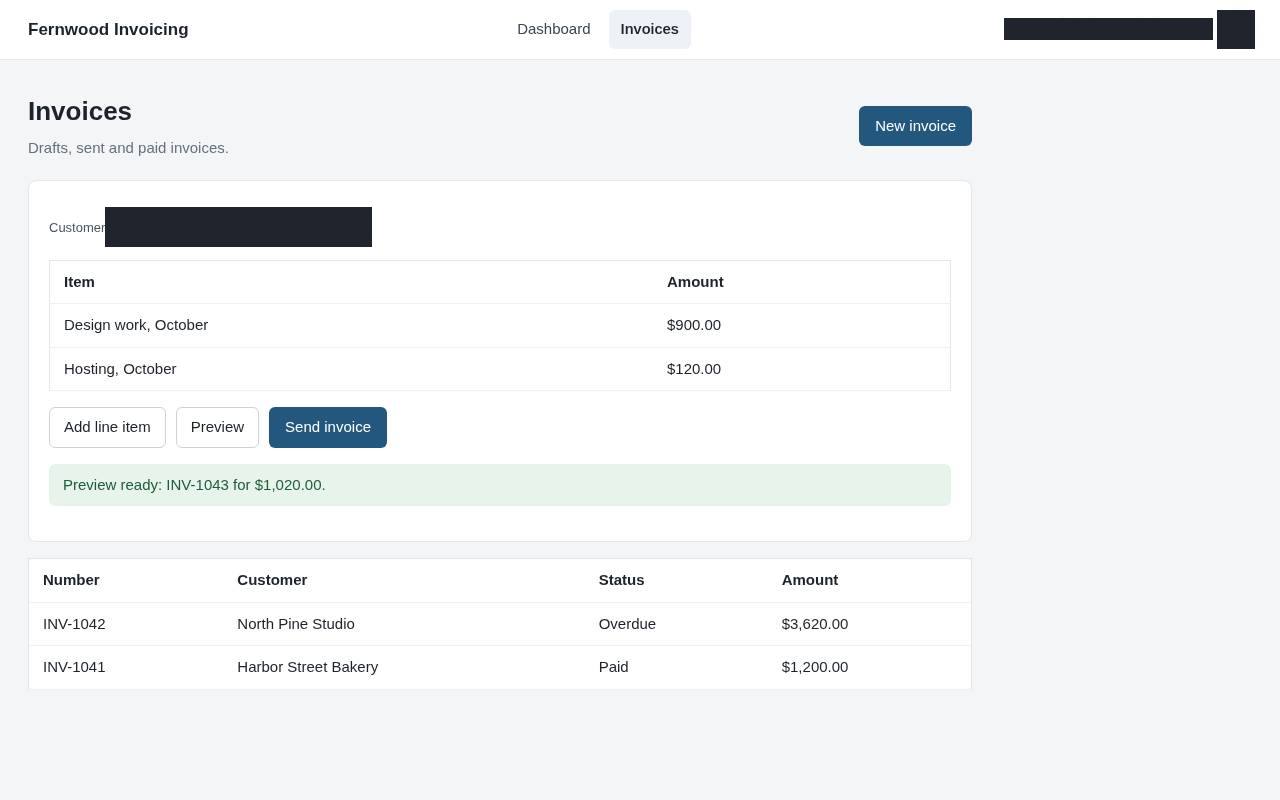
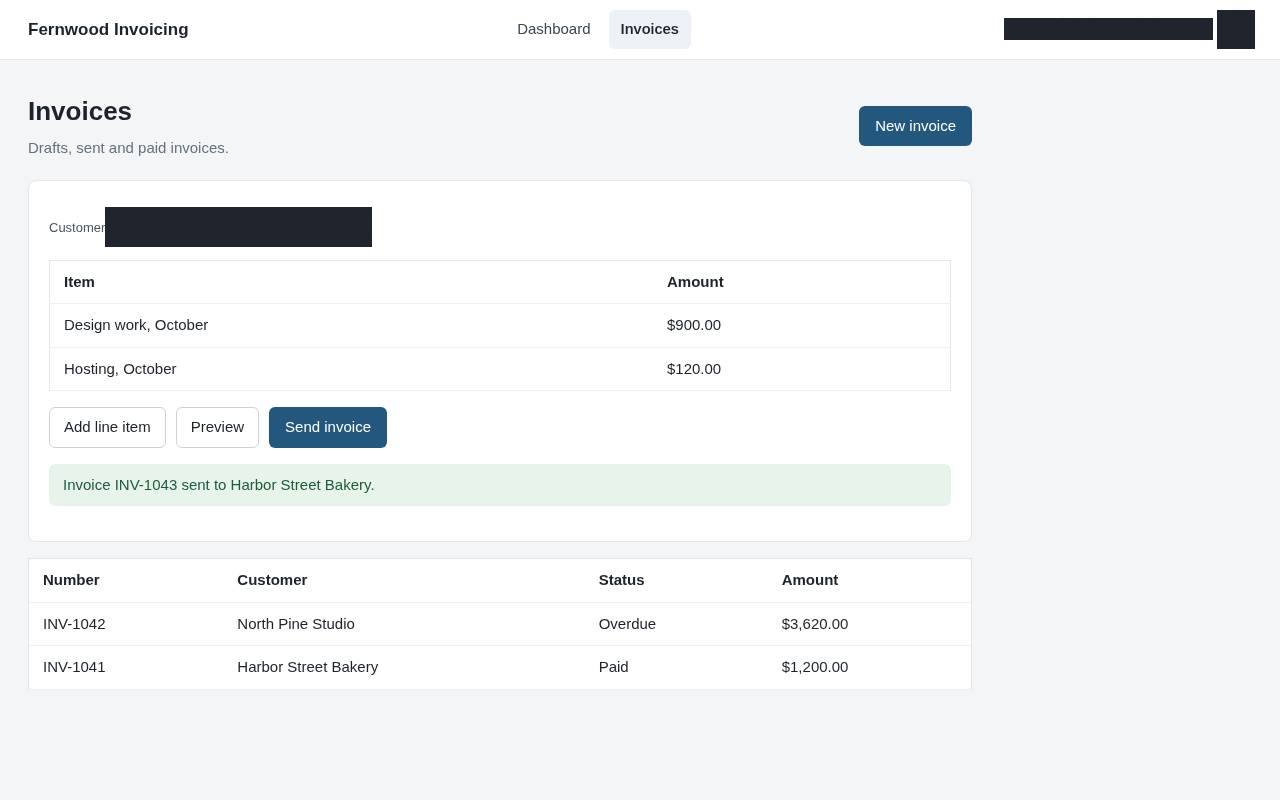
6.Send invoice
Choose Send invoice. A message confirms the invoice was sent to your customer.