Send an invoice from the side panel
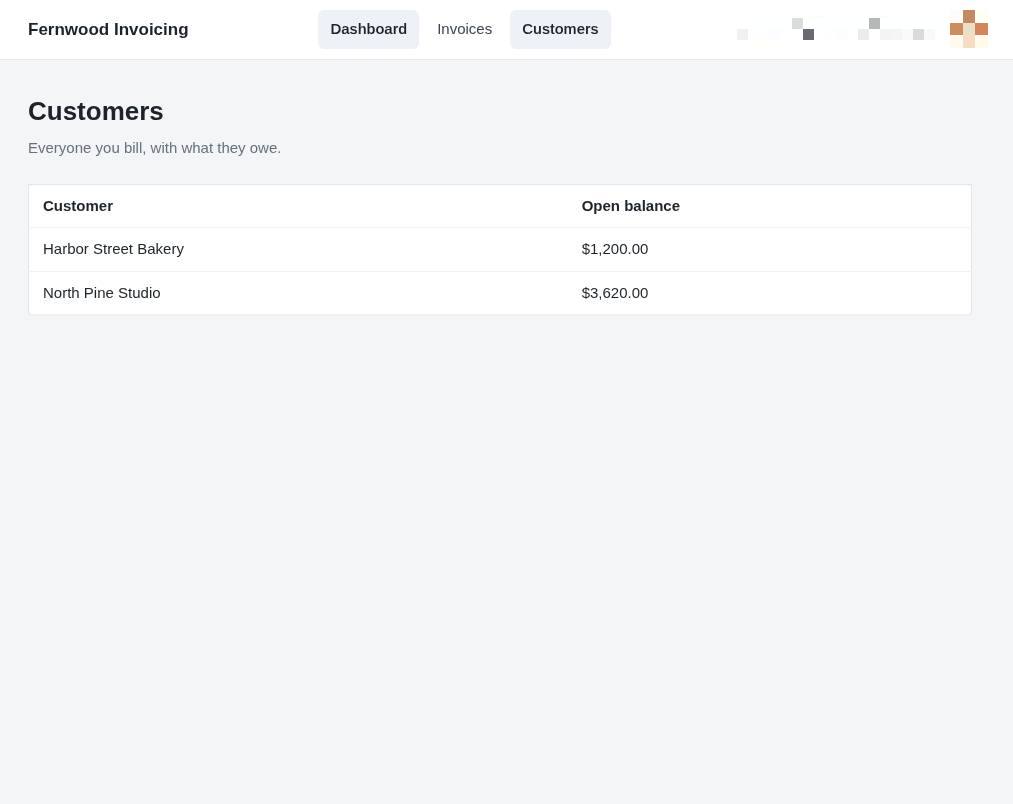
1.Open your customer list
Select Customers in the top navigation to view your full list of clients and their outstanding balances.
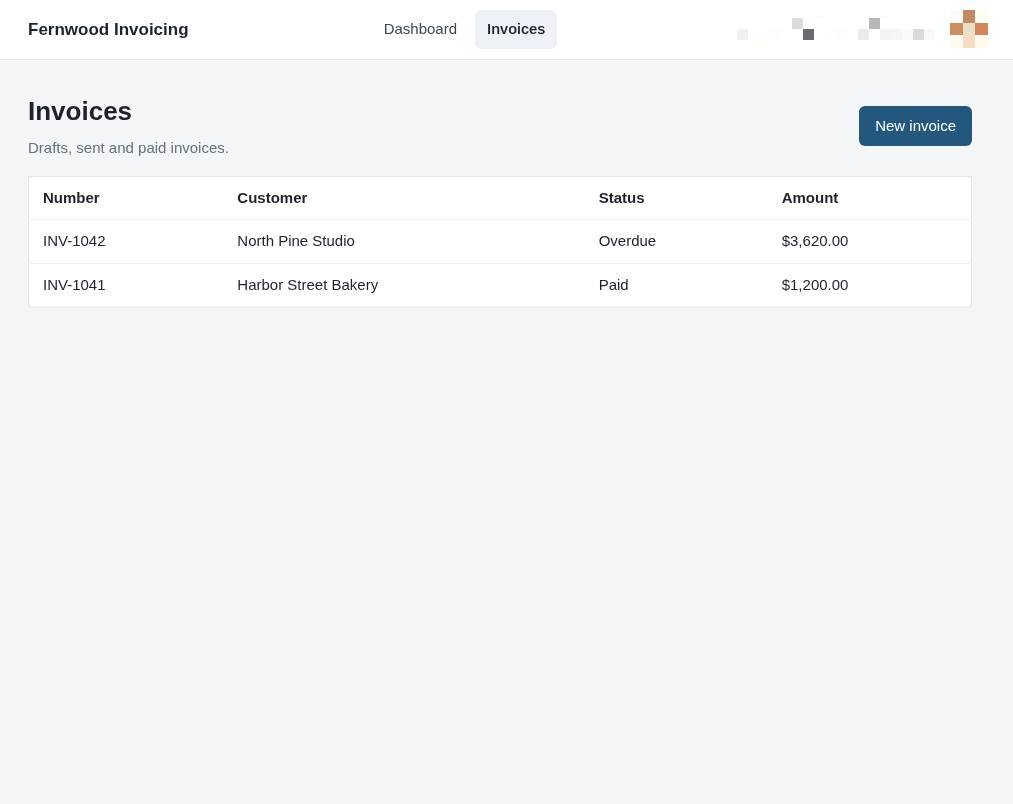
2.Open the invoices page
Select Invoices to view your list of bills. This displays your full history of drafts, sent, and paid invoices.
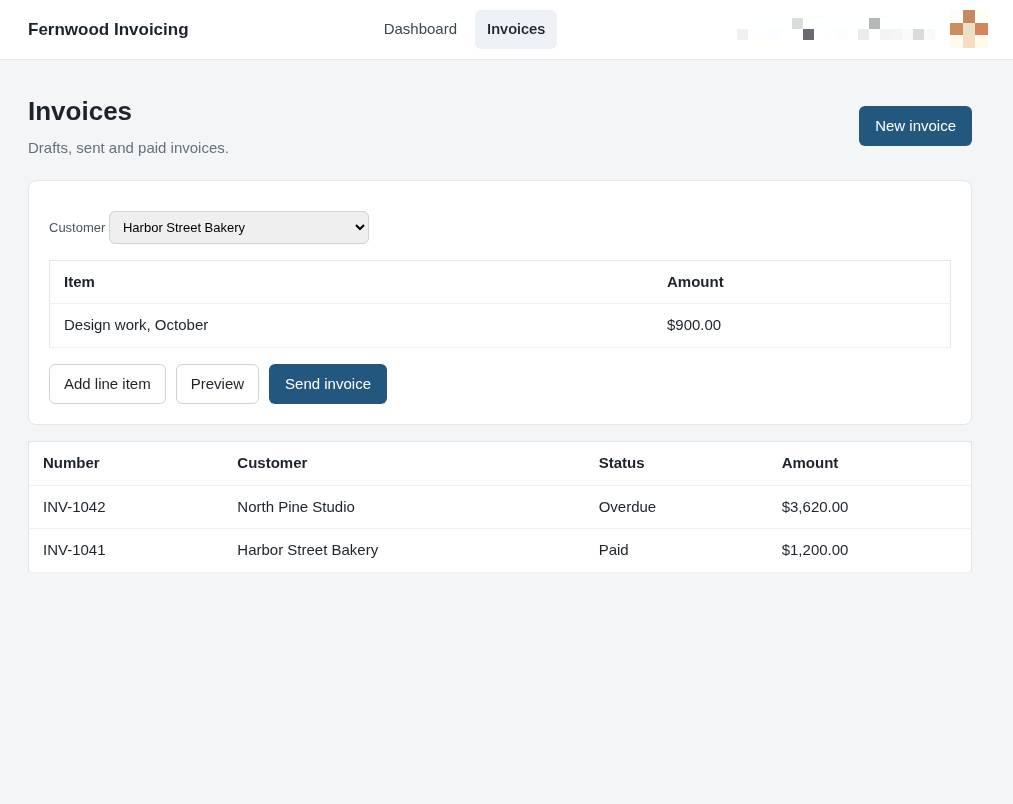
3.Create a new invoice
Click New invoice to start creating a bill for your customer. You will see an empty invoice template ready for you to fill in.
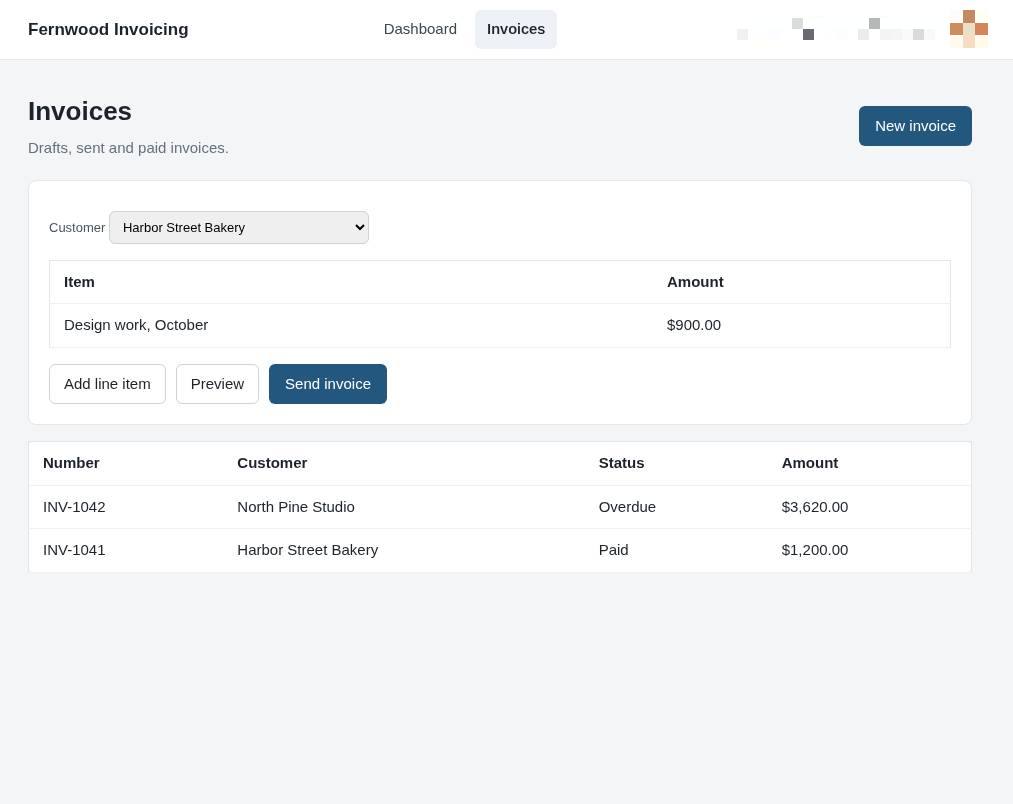
4.Send the invoice
Select Send invoice to deliver the document to your customer.