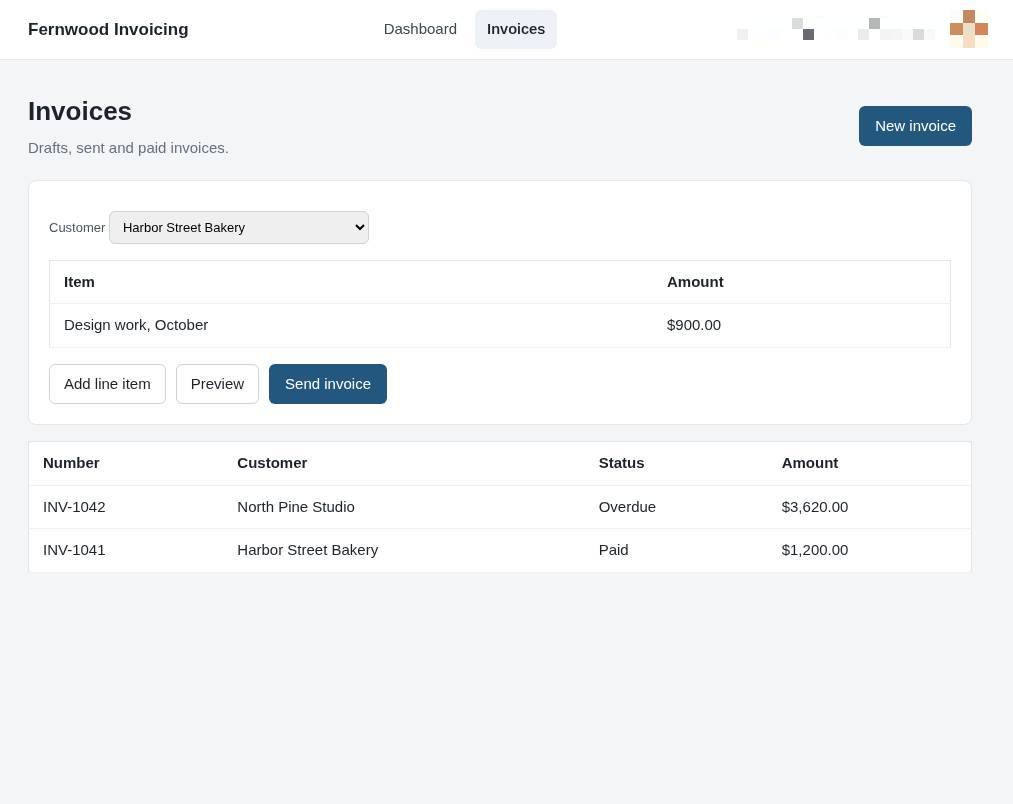
Send an invoice from the popup
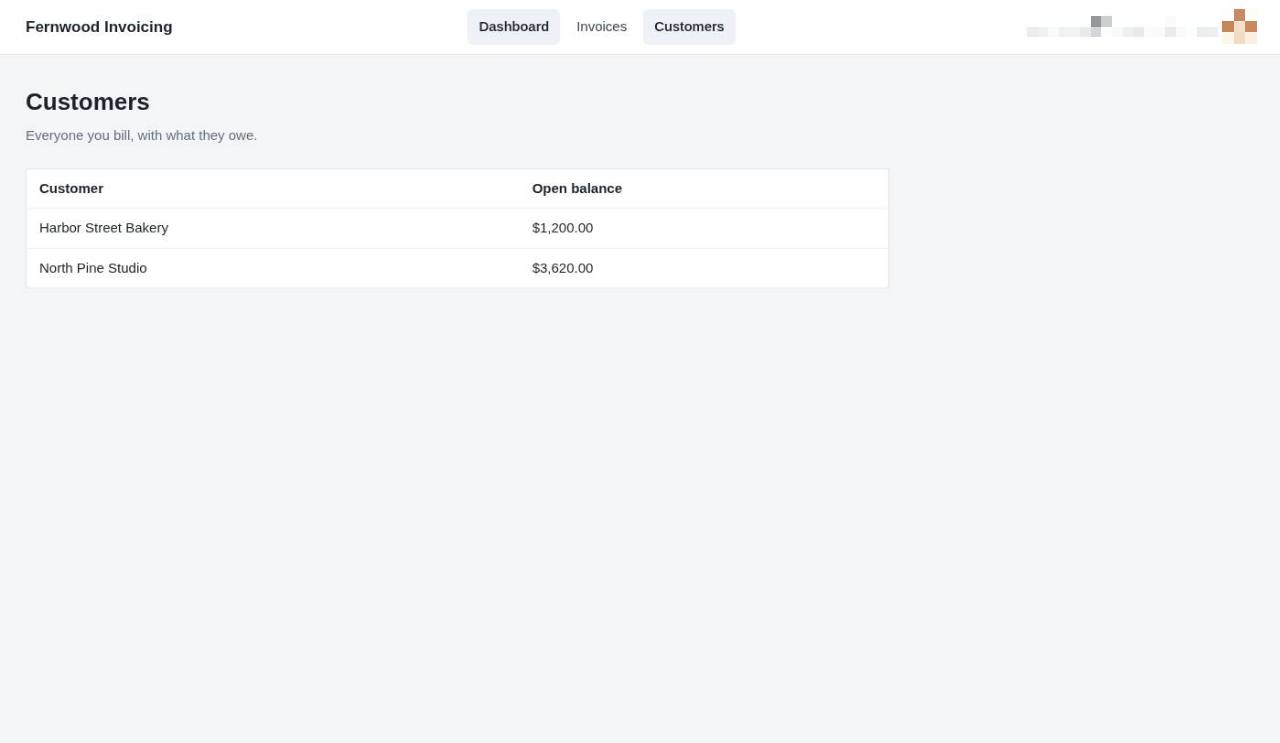
1.Open your customers list
Select Customers from the navigation menu to view all your billed clients and their current outstanding balances.
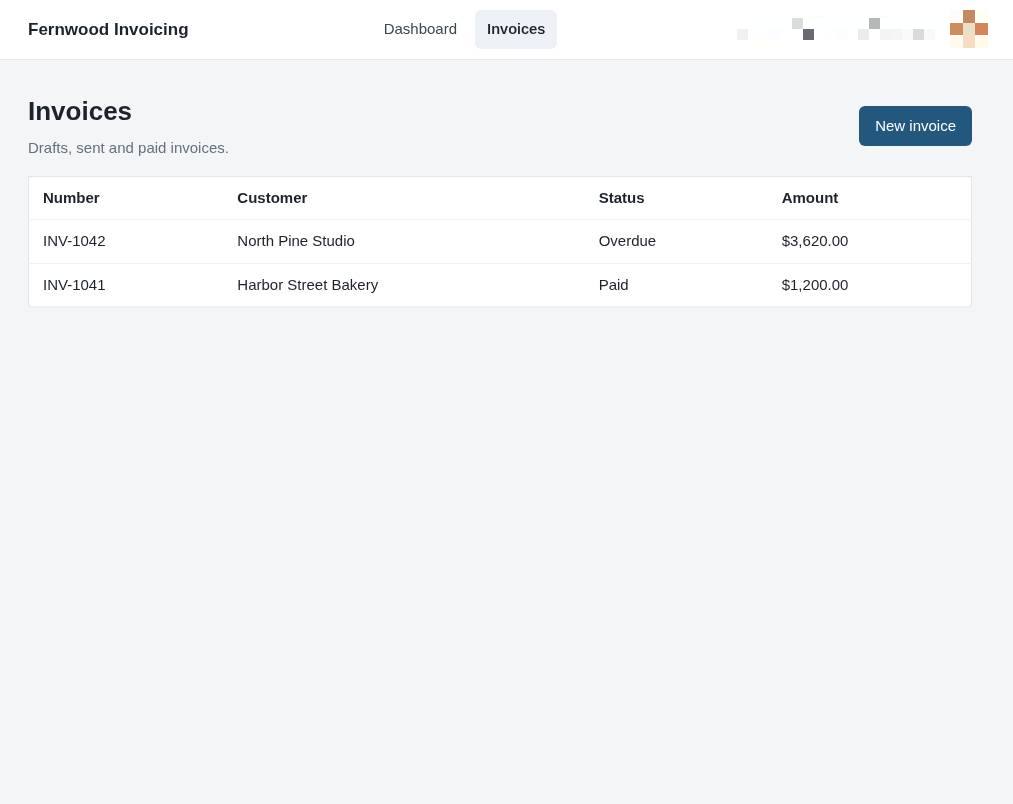
2.Open your invoices
Select Invoices to view all your past and current billings.
3.Create a new invoice
Select New invoice to open the form for a new billing record.
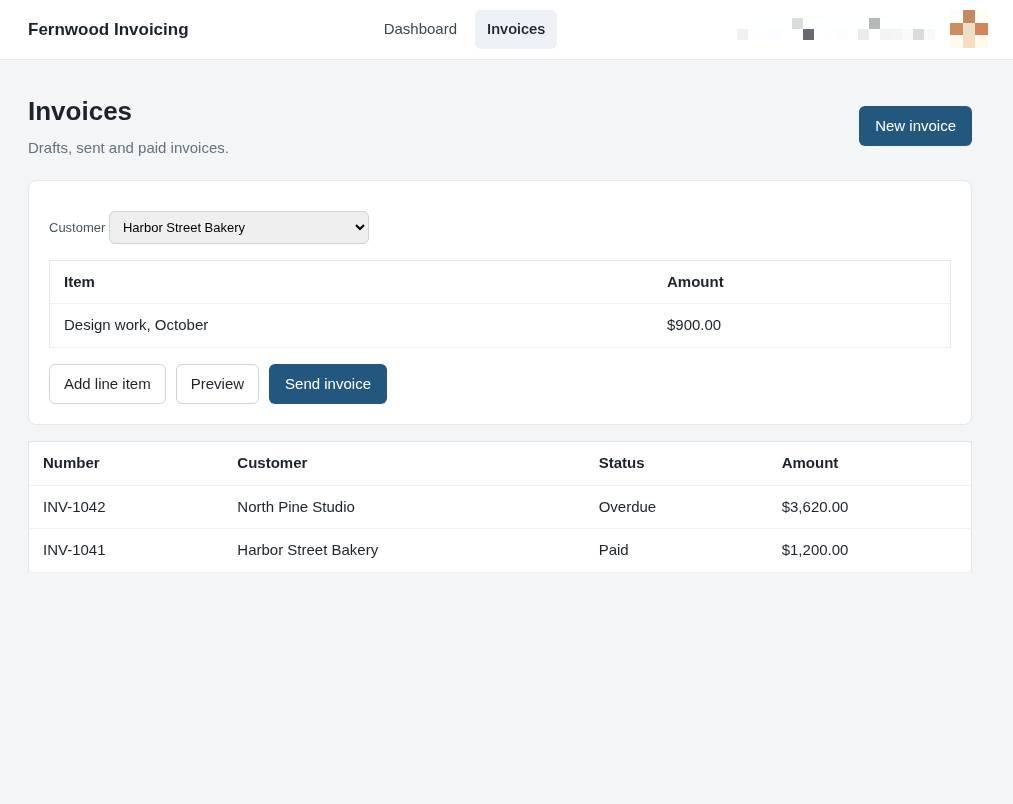
4.Send the invoice
Select Send invoice to deliver the document to your customer. The invoice status will update to show it has been sent.