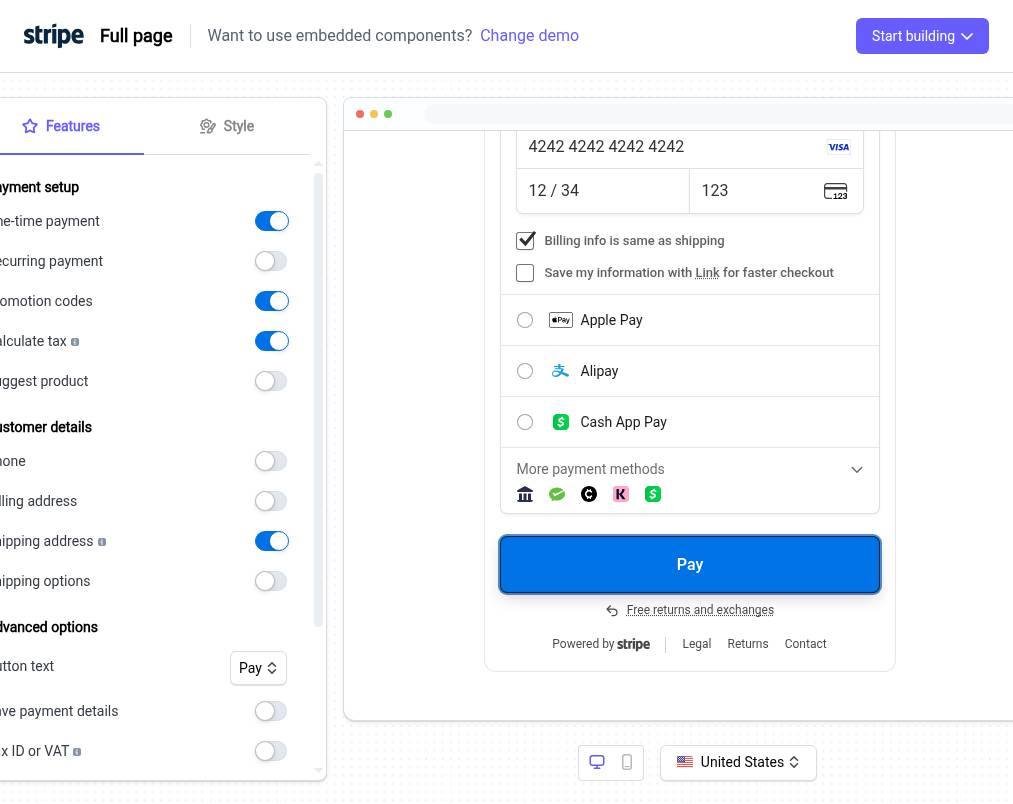
Pay for an order with Stripe Checkout
1.Open the checkout demo
Select View demo to begin the simulation of the checkout process. This opens the configuration options for your payment flow.
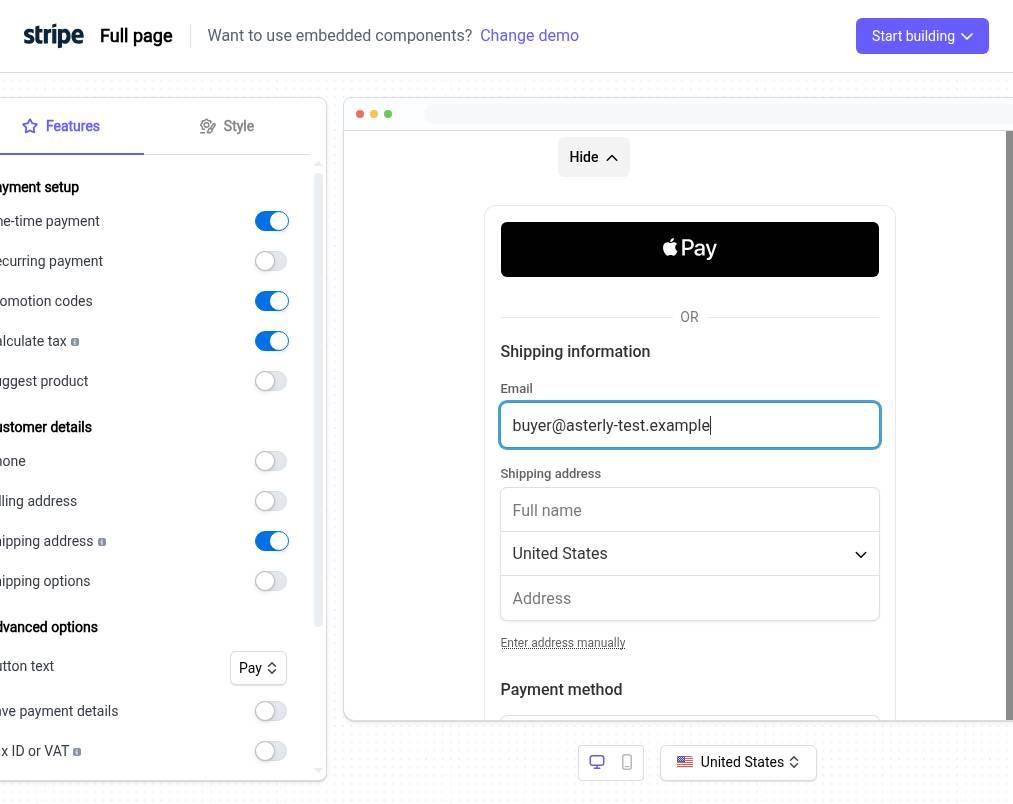
2.Enter customer email address
Enter the customer's email address in the Email field to associate it with the transaction.
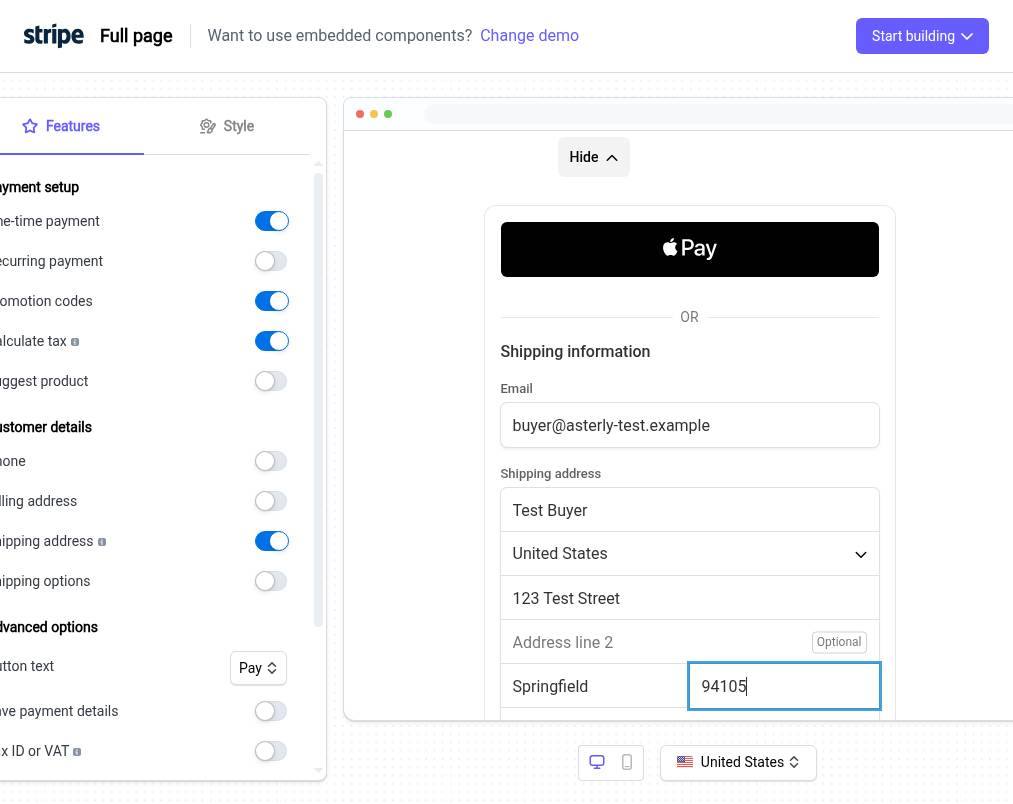
3.Enter shipping information
Enter the customer's email and shipping address in the form to proceed with the transaction.
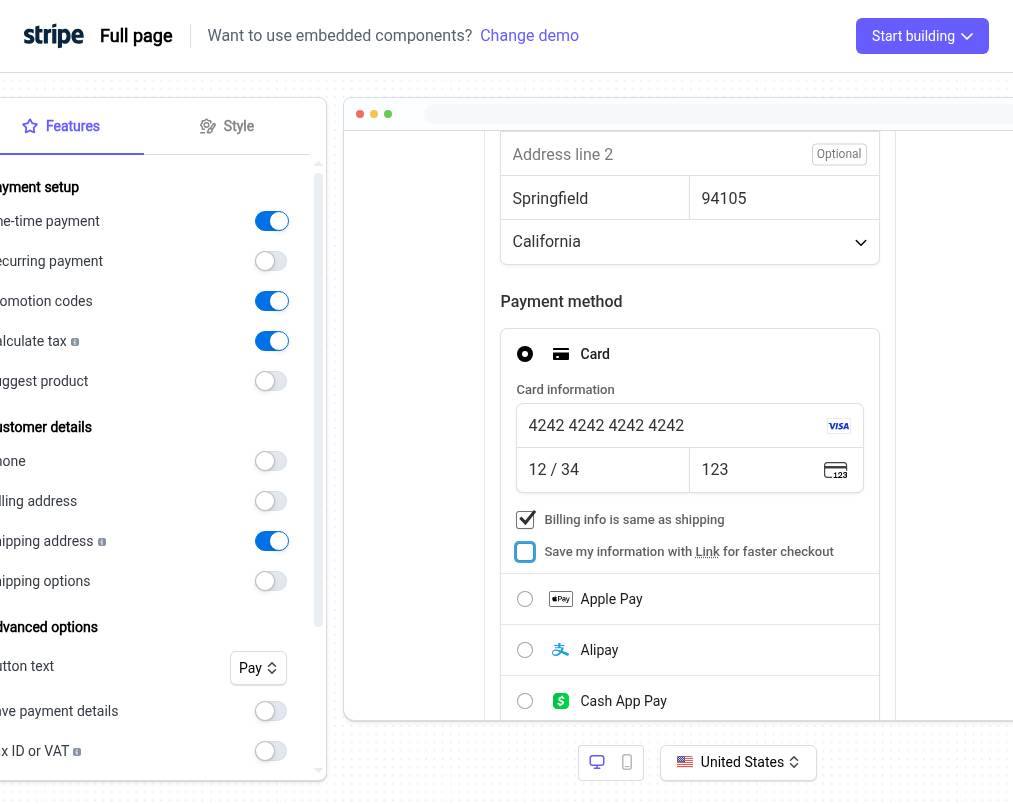
4.Enter payment information
Enter your credit card details into the fields provided. Confirm your billing address is correct to continue with the transaction.
5.Complete your payment
Select Pay to finalize your transaction.