Buy an item and check out
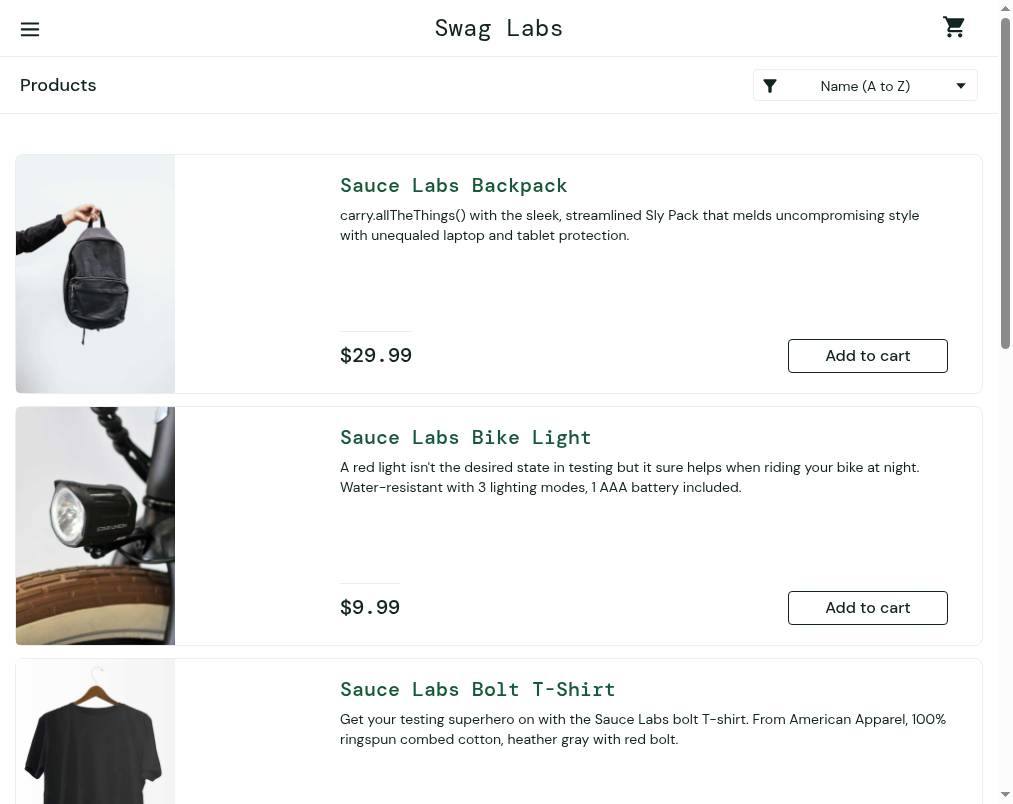
1.Add item to cart
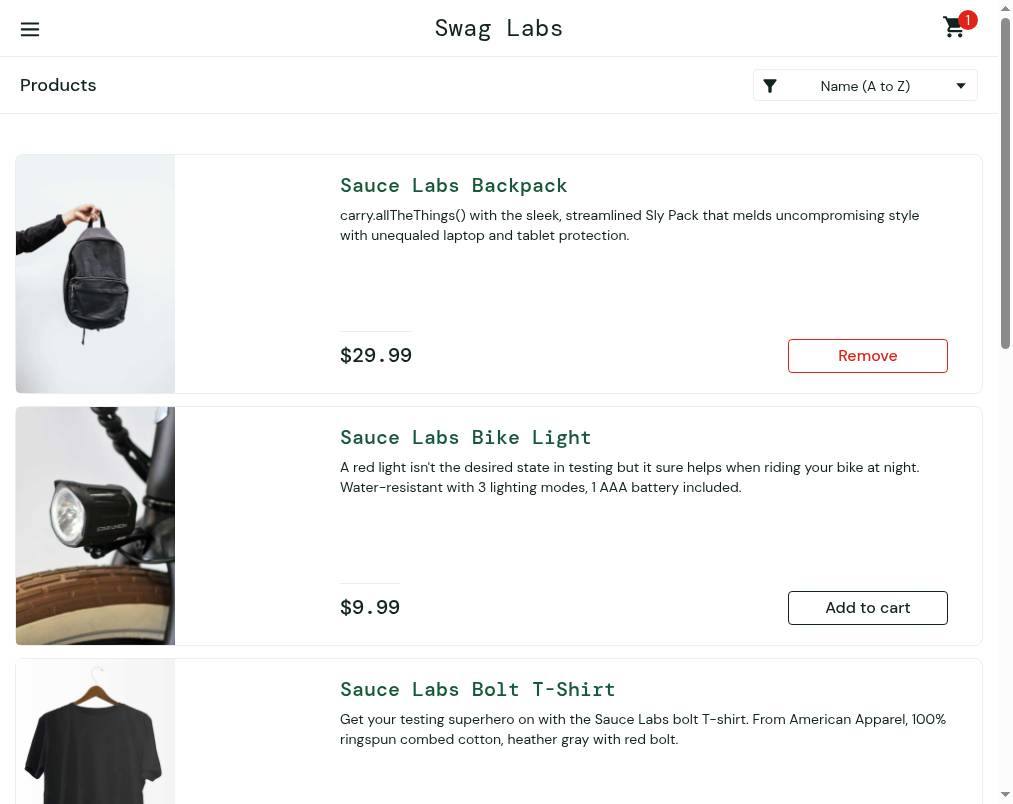
Select Add to cart next to an item to include it in your order. You will see the cart icon update to confirm the item is added.
2.Open your shopping cart
Select the cart icon to view the items you have chosen for purchase.
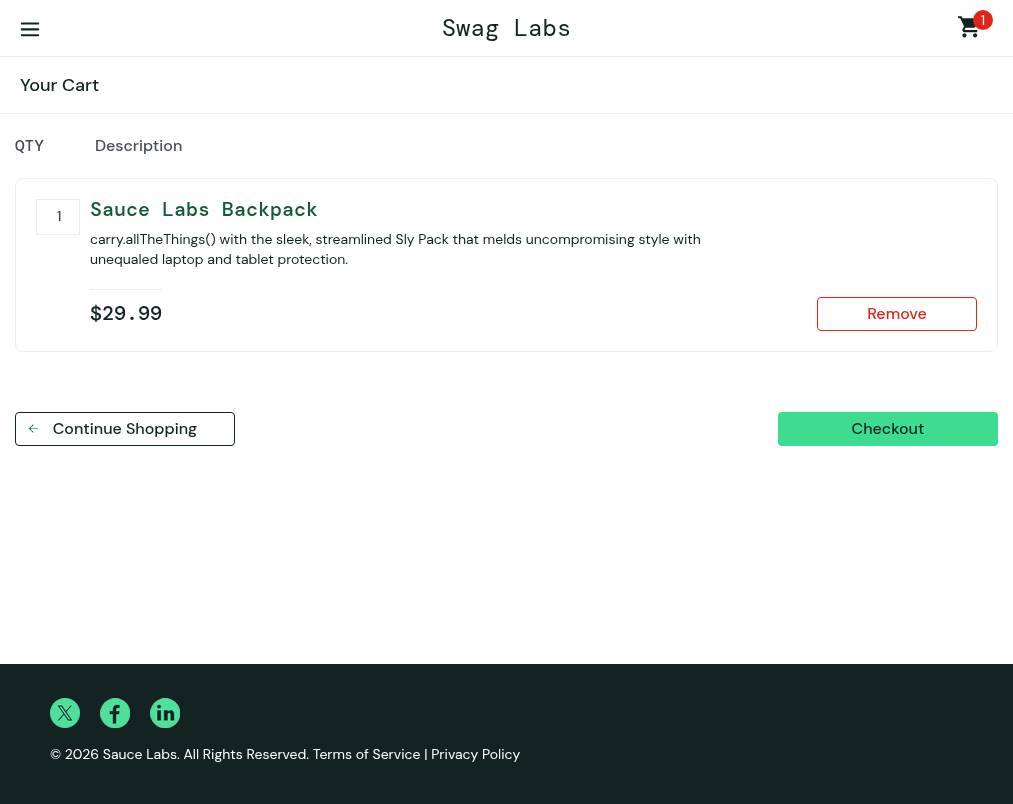
3.Proceed to checkout
Select Checkout to review your order and provide delivery information.
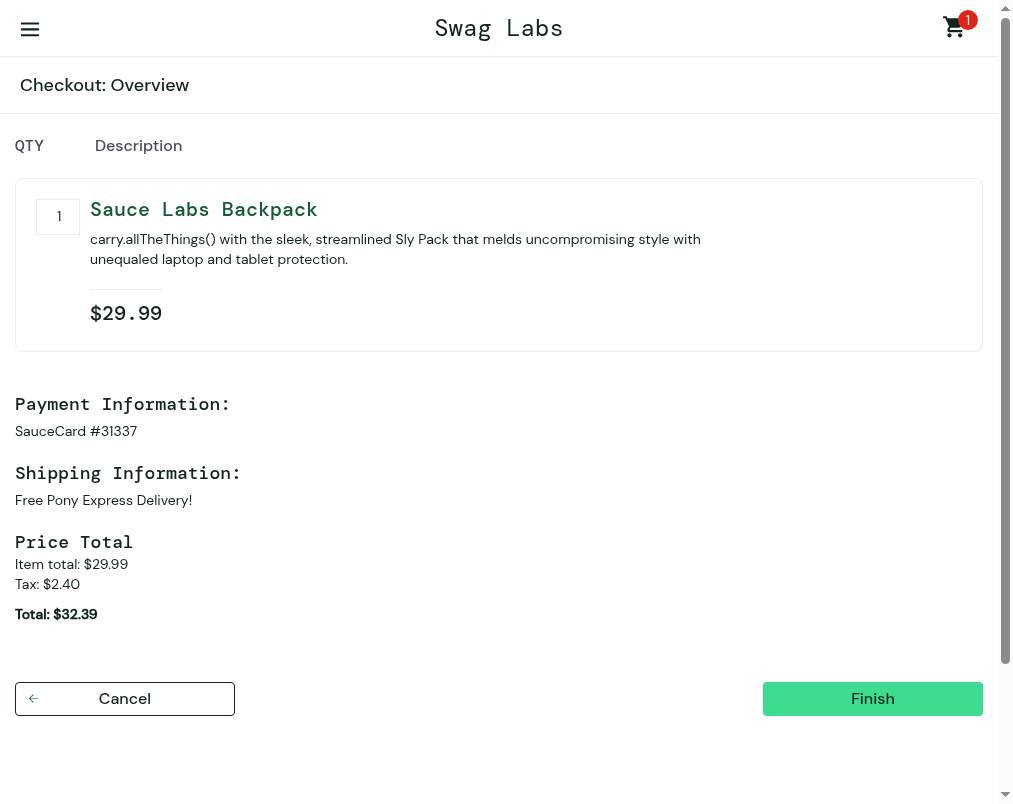
4.Complete your purchase
Review your order details and click Finish to process your payment and finalize the checkout.