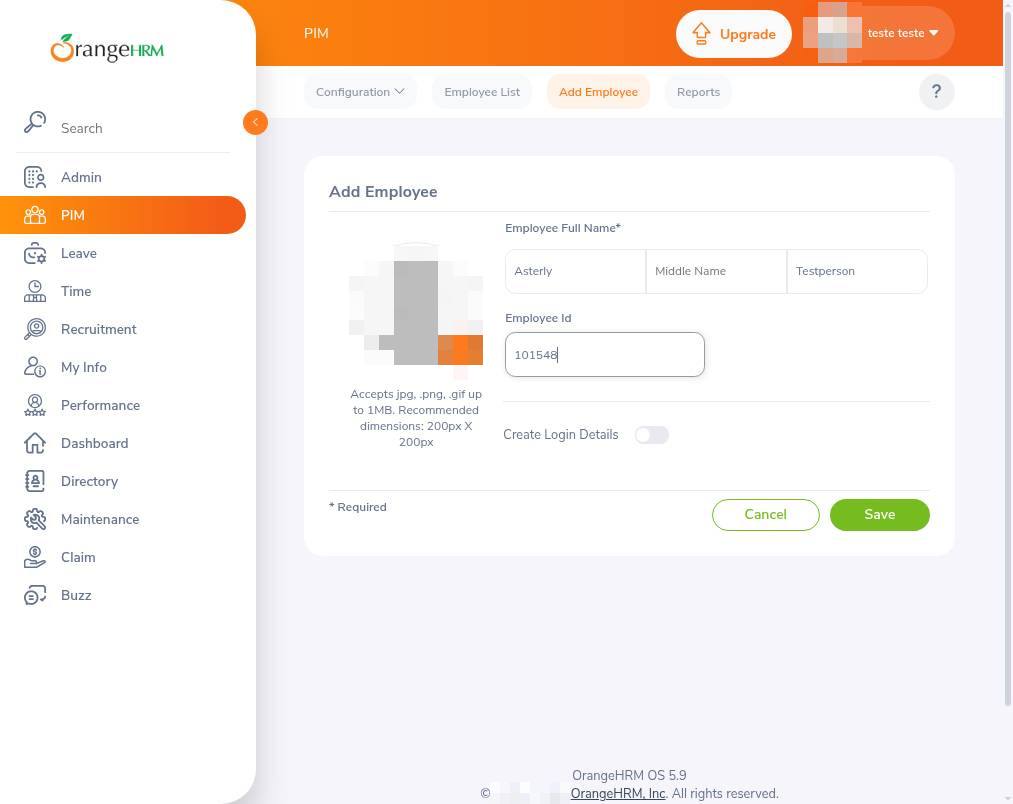
Add a new employee
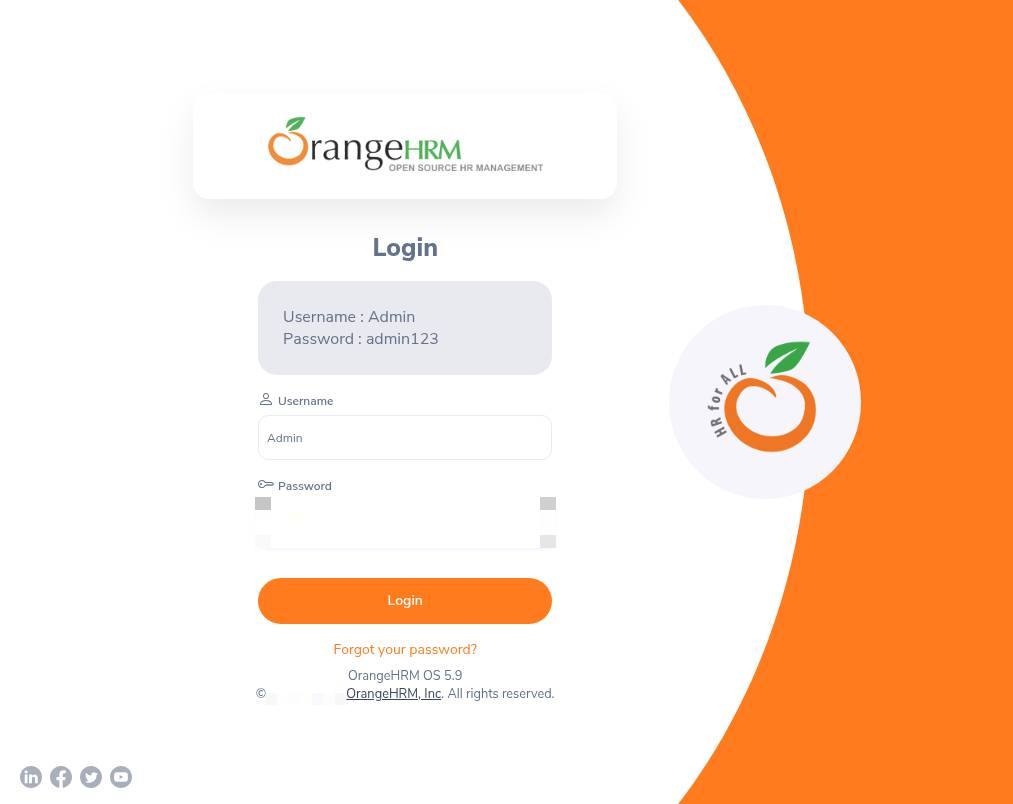
1.Sign in to your account
Enter your username and password, then select Login to access your dashboard.
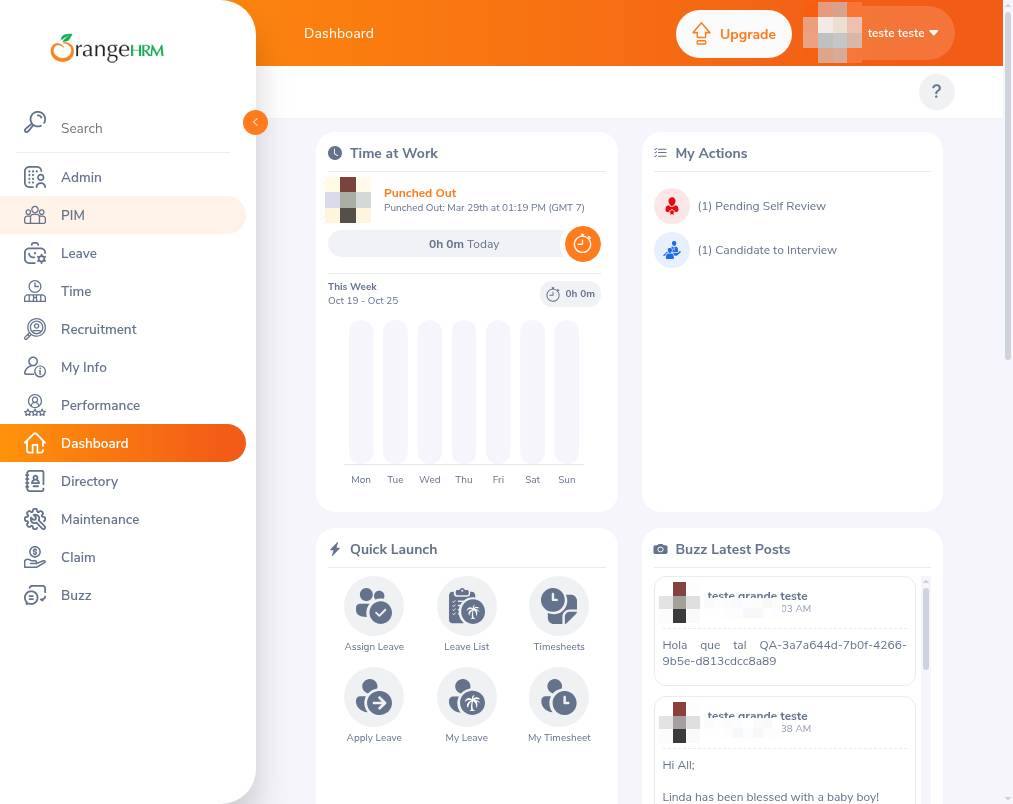
2.Open the employee directory
Select PIM from the left navigation menu to view your employee records.
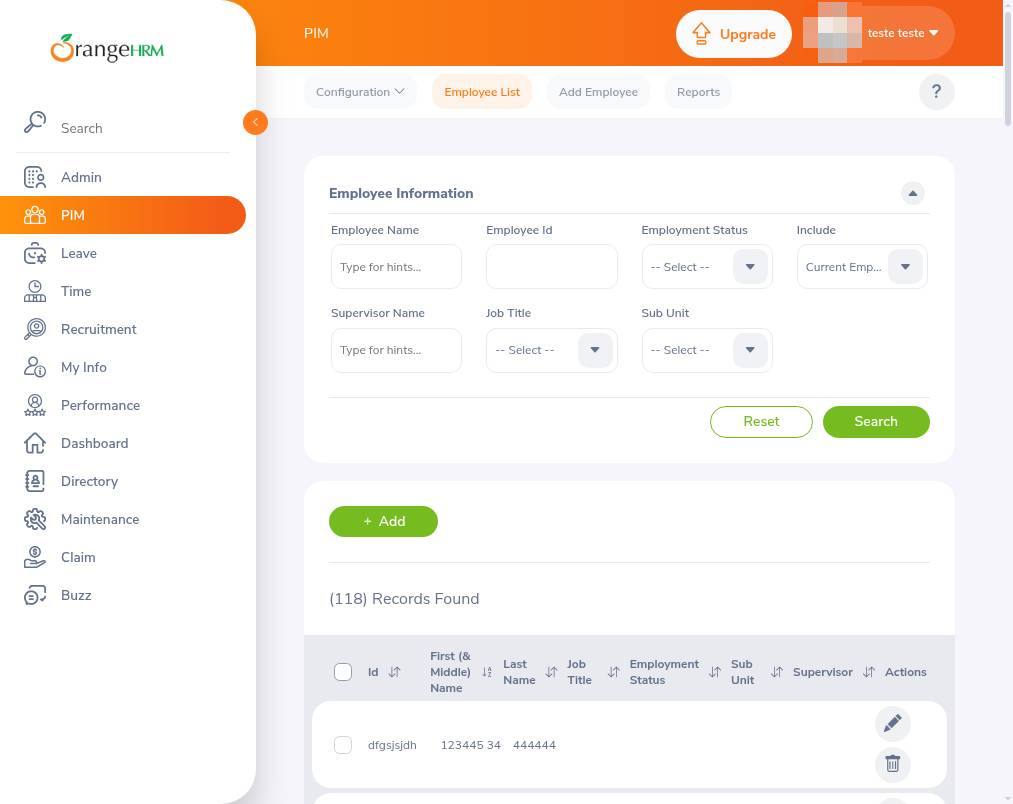
3.Add a new employee
Select Add to start entering details for a new staff member. This opens the form where you can provide their personal information.
4.Save the new employee
Click Save to add the employee record to your system.