Create a Dashboard on Posthog

14 steps · Updated November 4, 2026

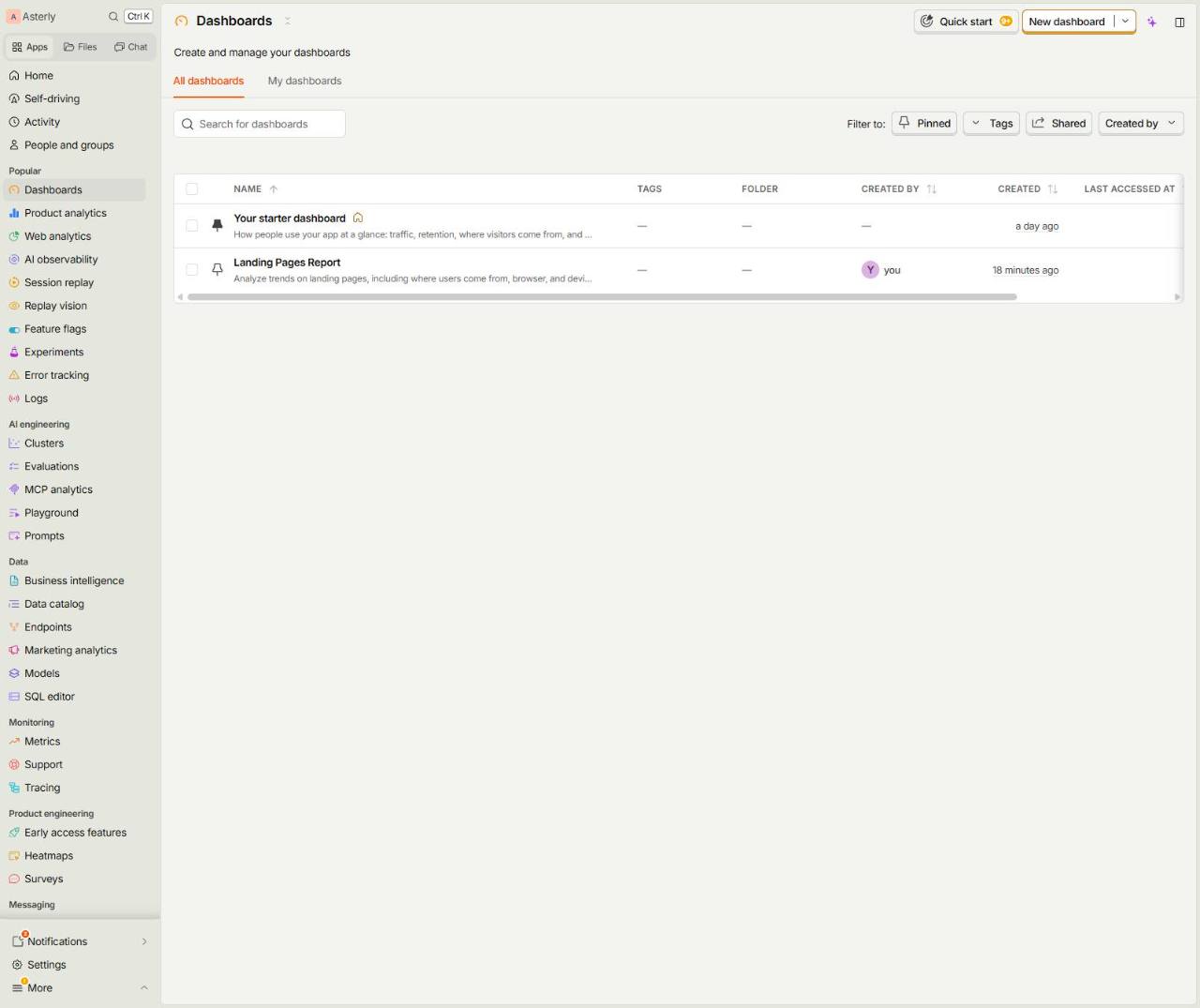
  1. 1.Dashboards

    Dashboards
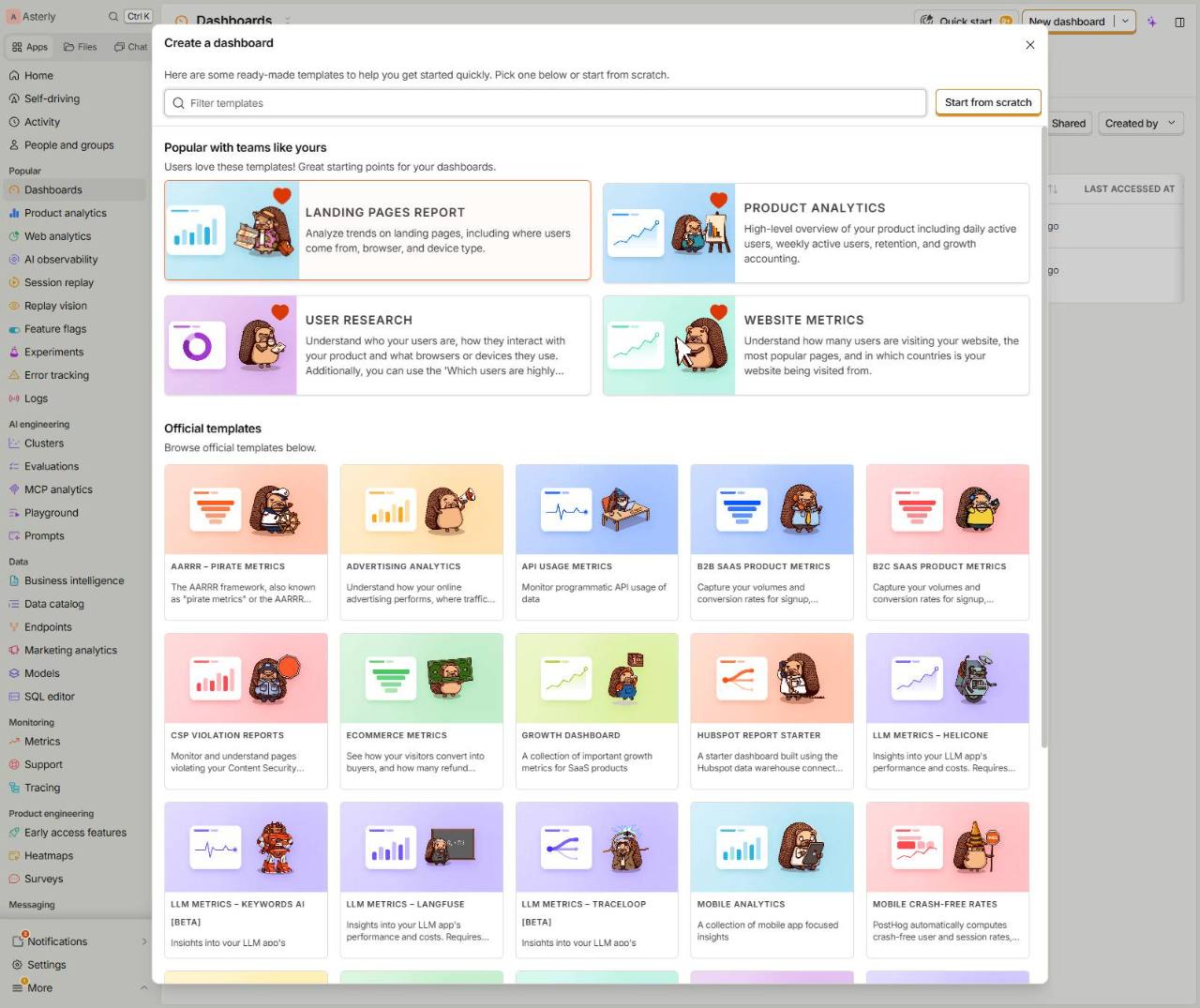
  2. 2.New dashboard

    New dashboard
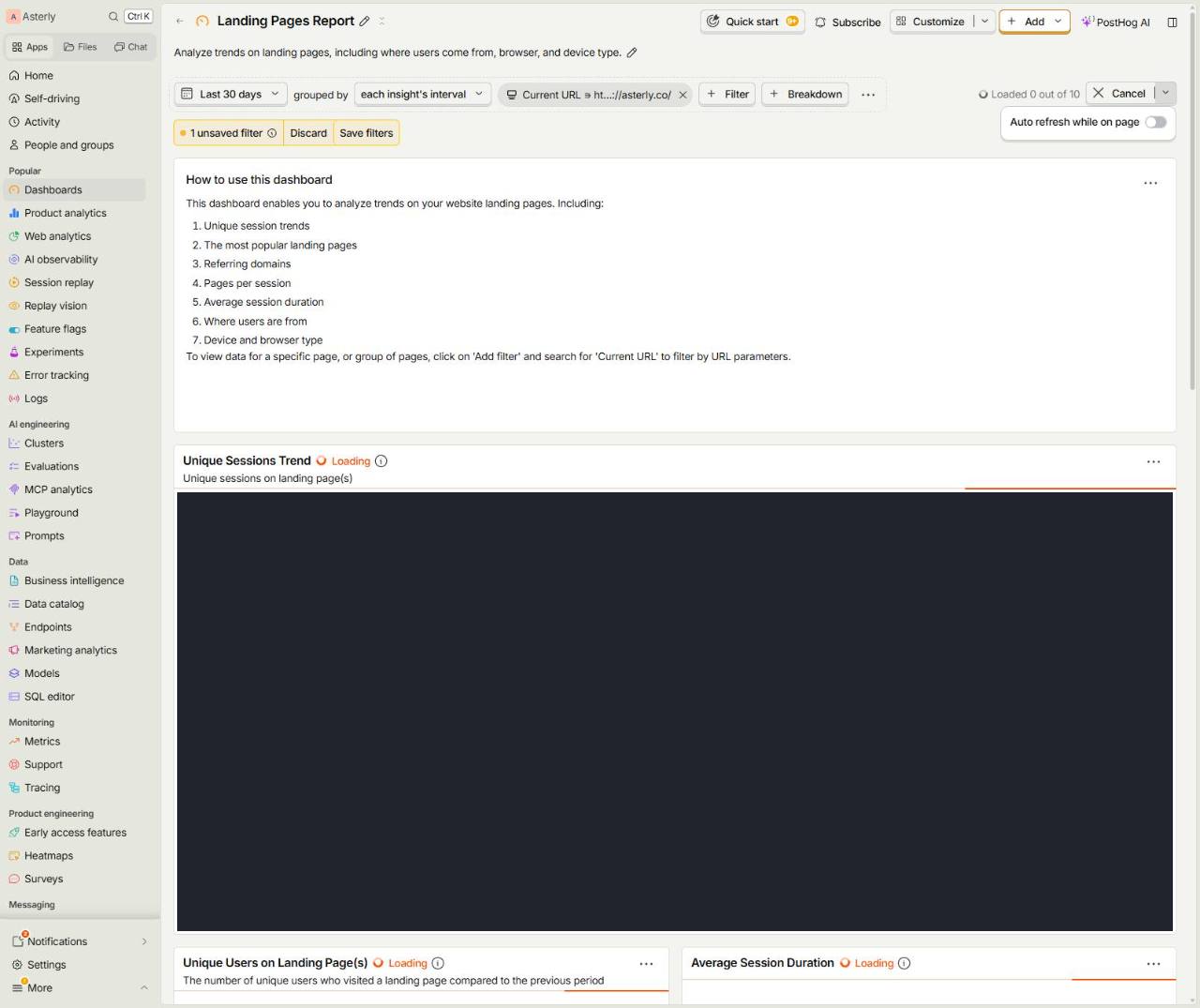
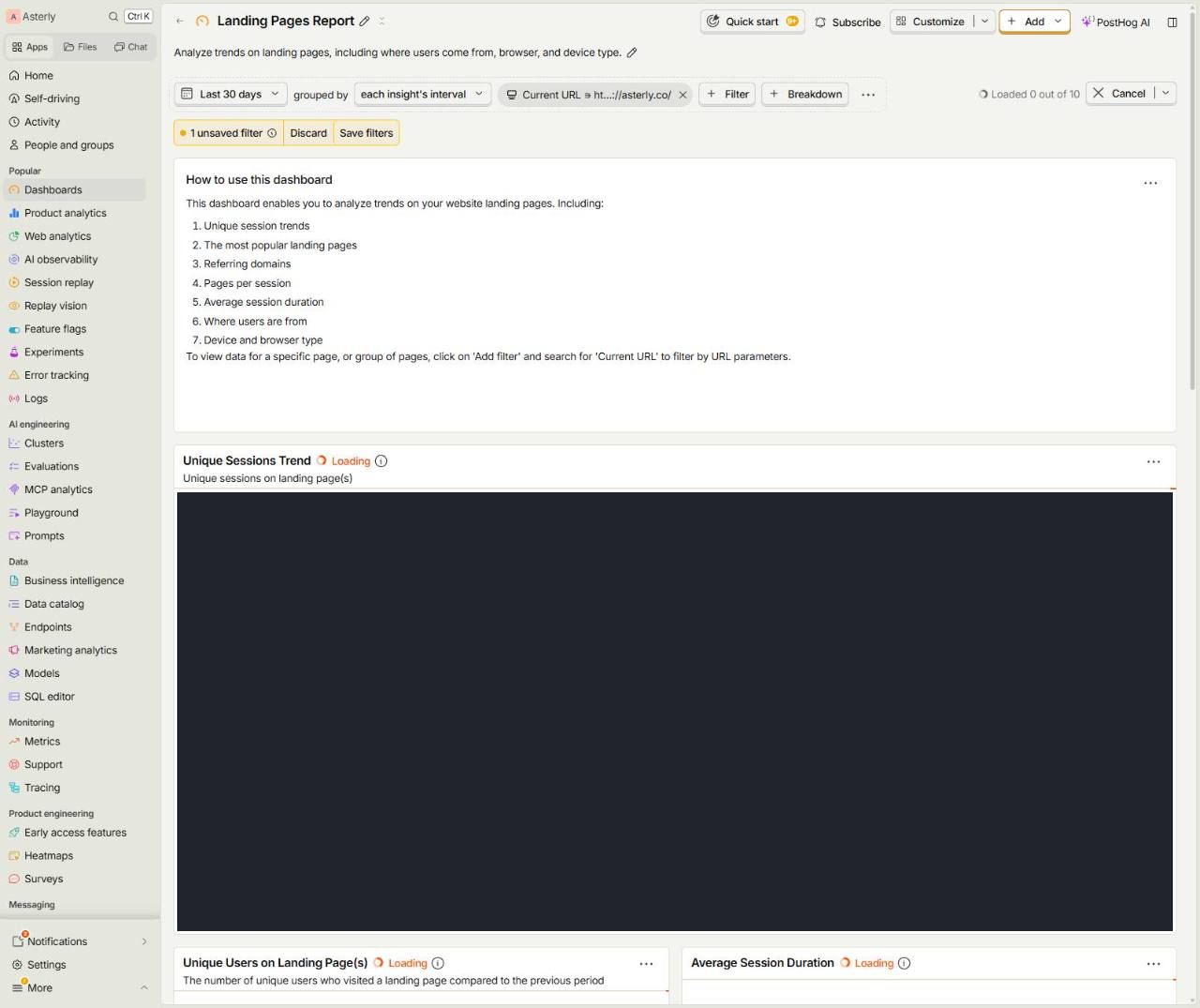
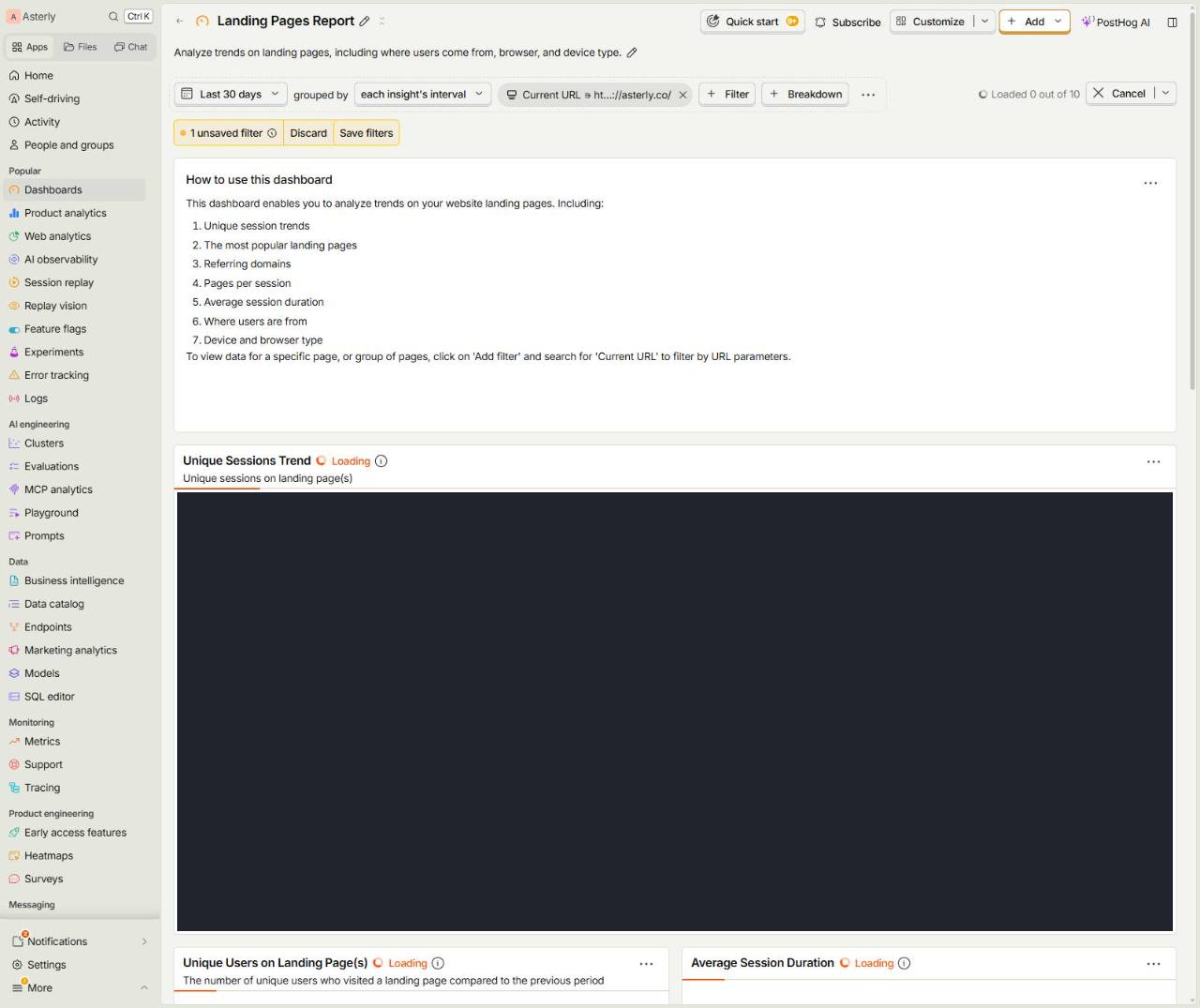
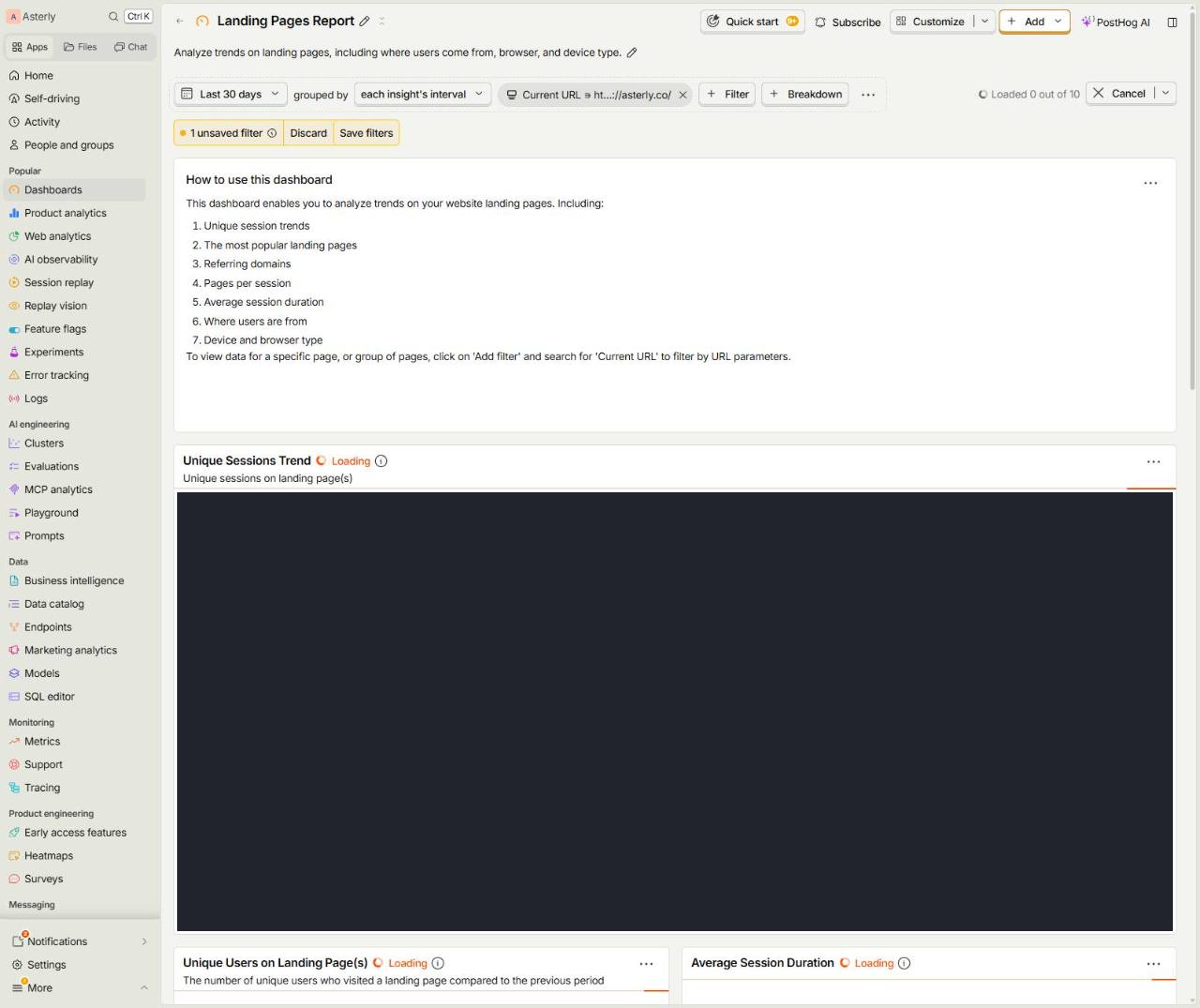
  3. 3.Landing Pages ReportAnalyze trends on landing pages, including where users come
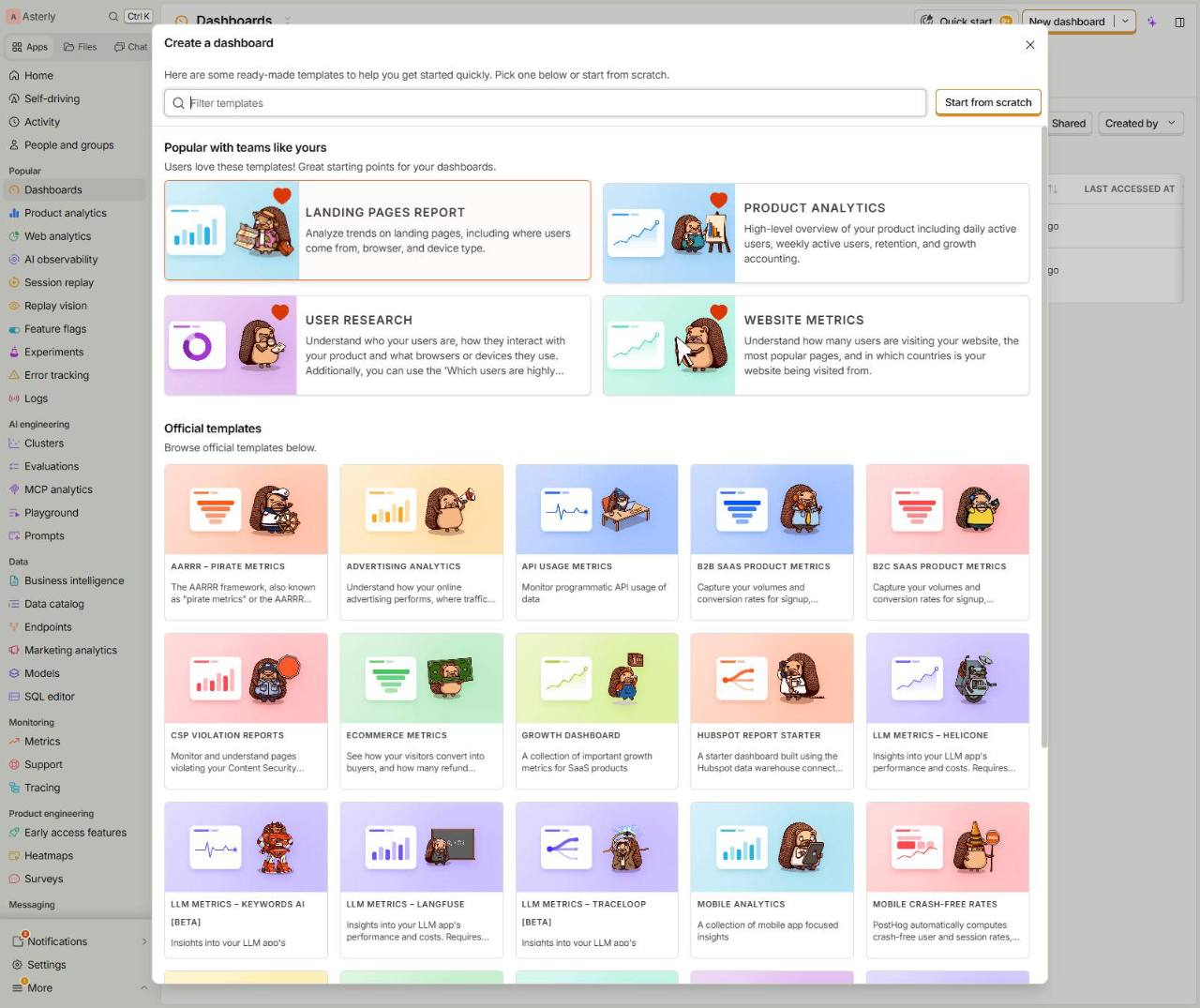
    Landing Pages ReportAnalyze trends on landing pages, including where users come
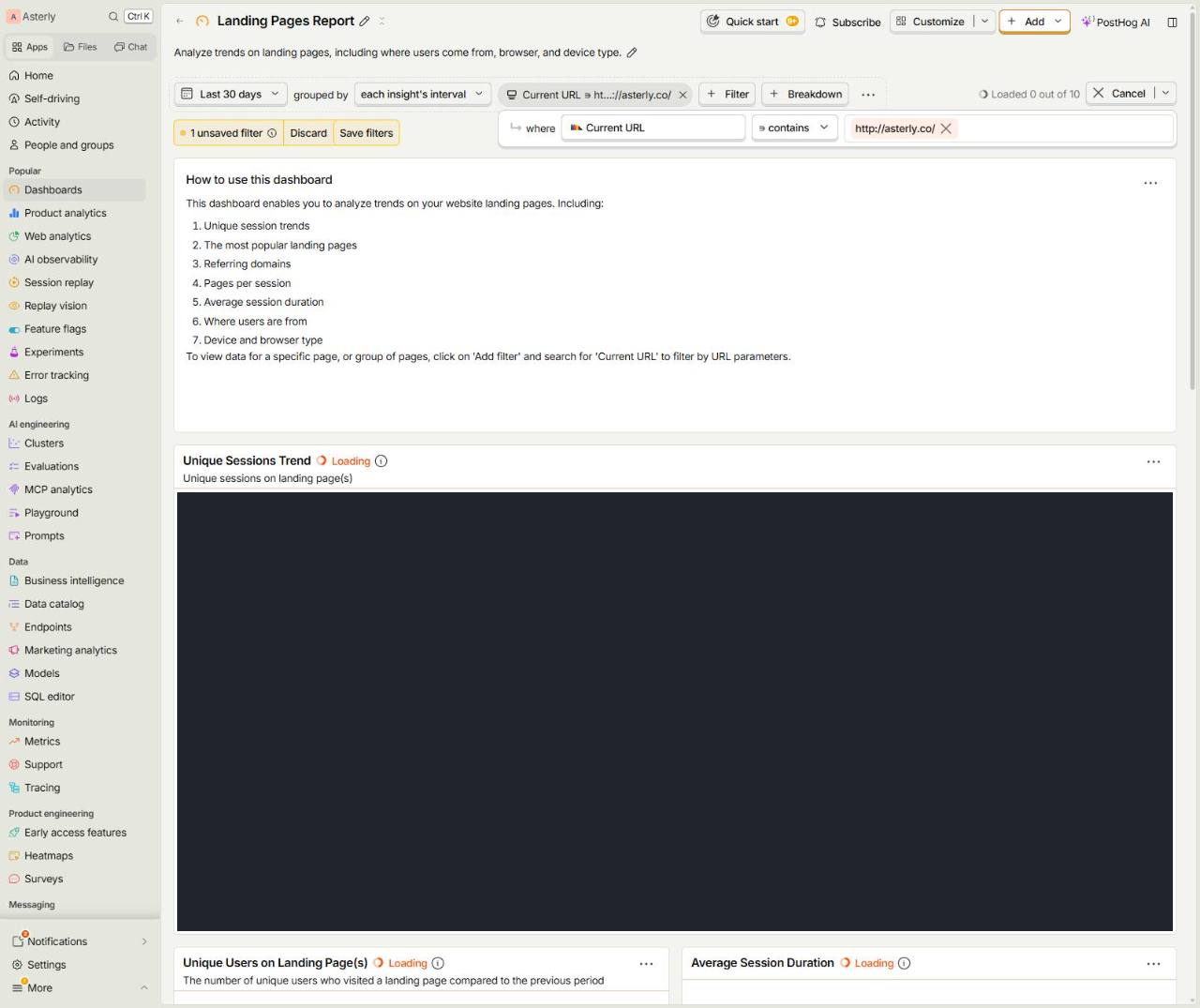
  4. 4.Filter

    Filter
  5. 5.Current URL ∋ http://asterly.co/ Event properties - recent
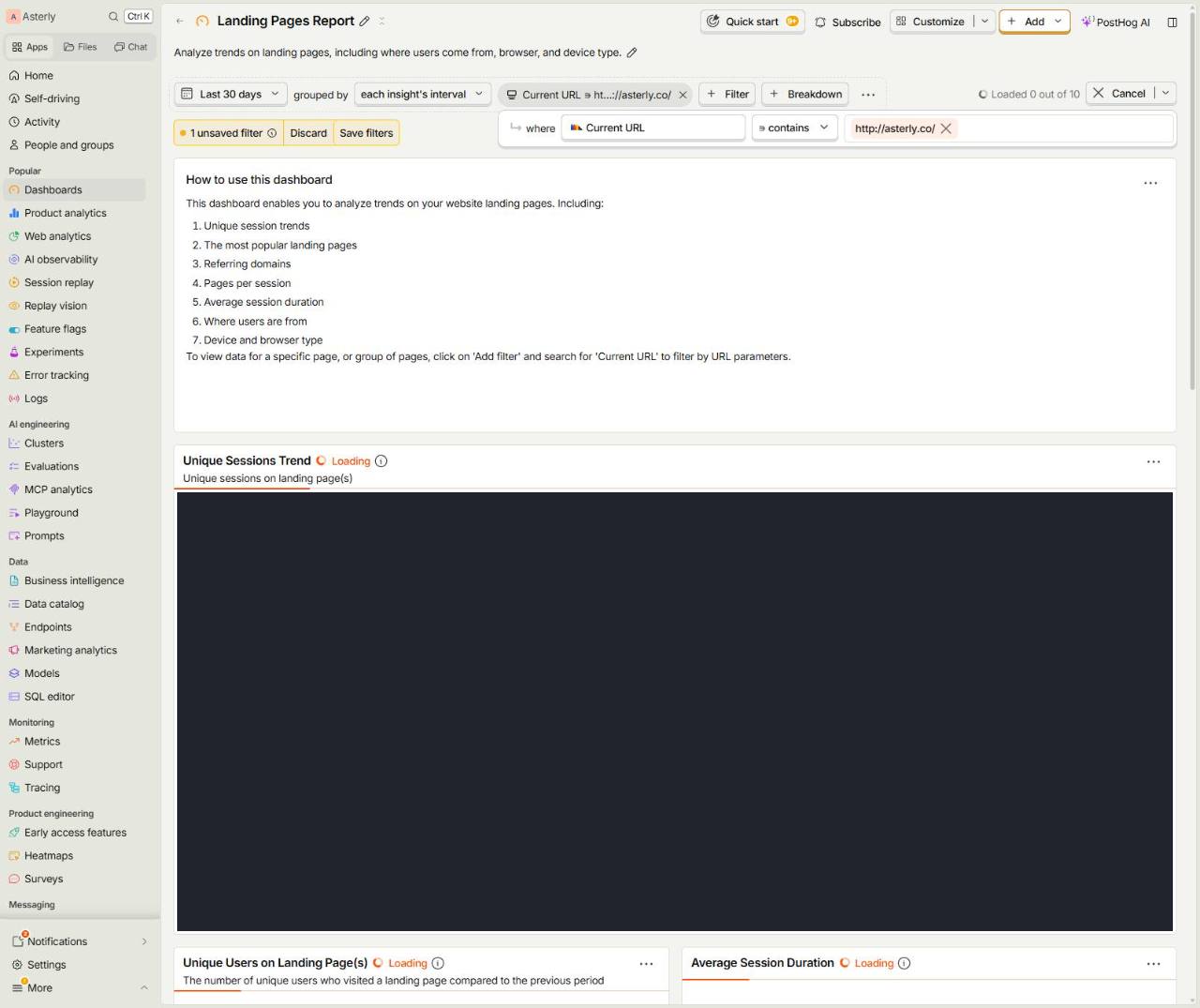
    Current URL ∋ http://asterly.co/ Event properties - recent
  6. 6.Select

    Select
  7. 7.Select

    Select
  8. 8.Add

    Add
  9. 9.Add

    Add
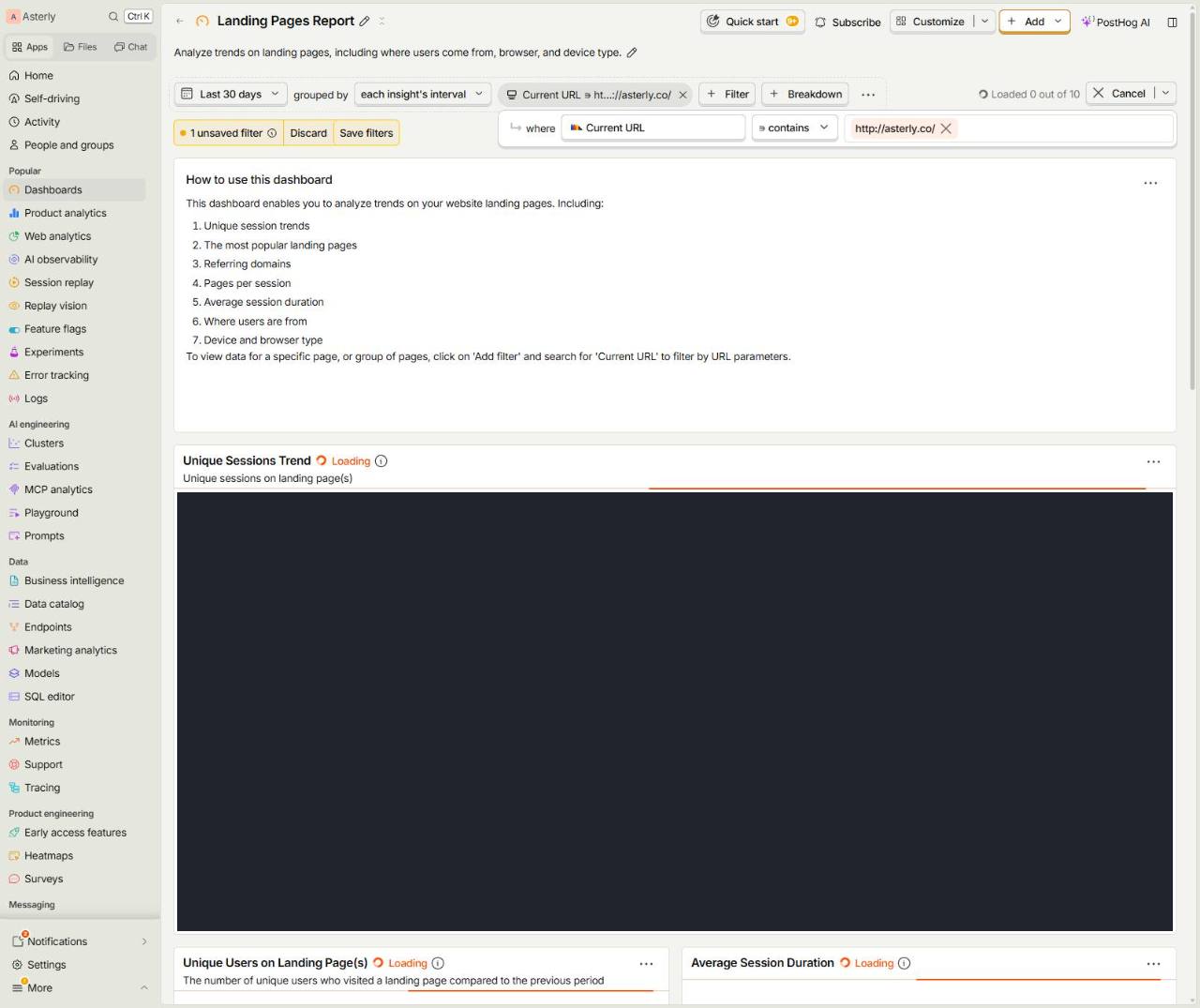
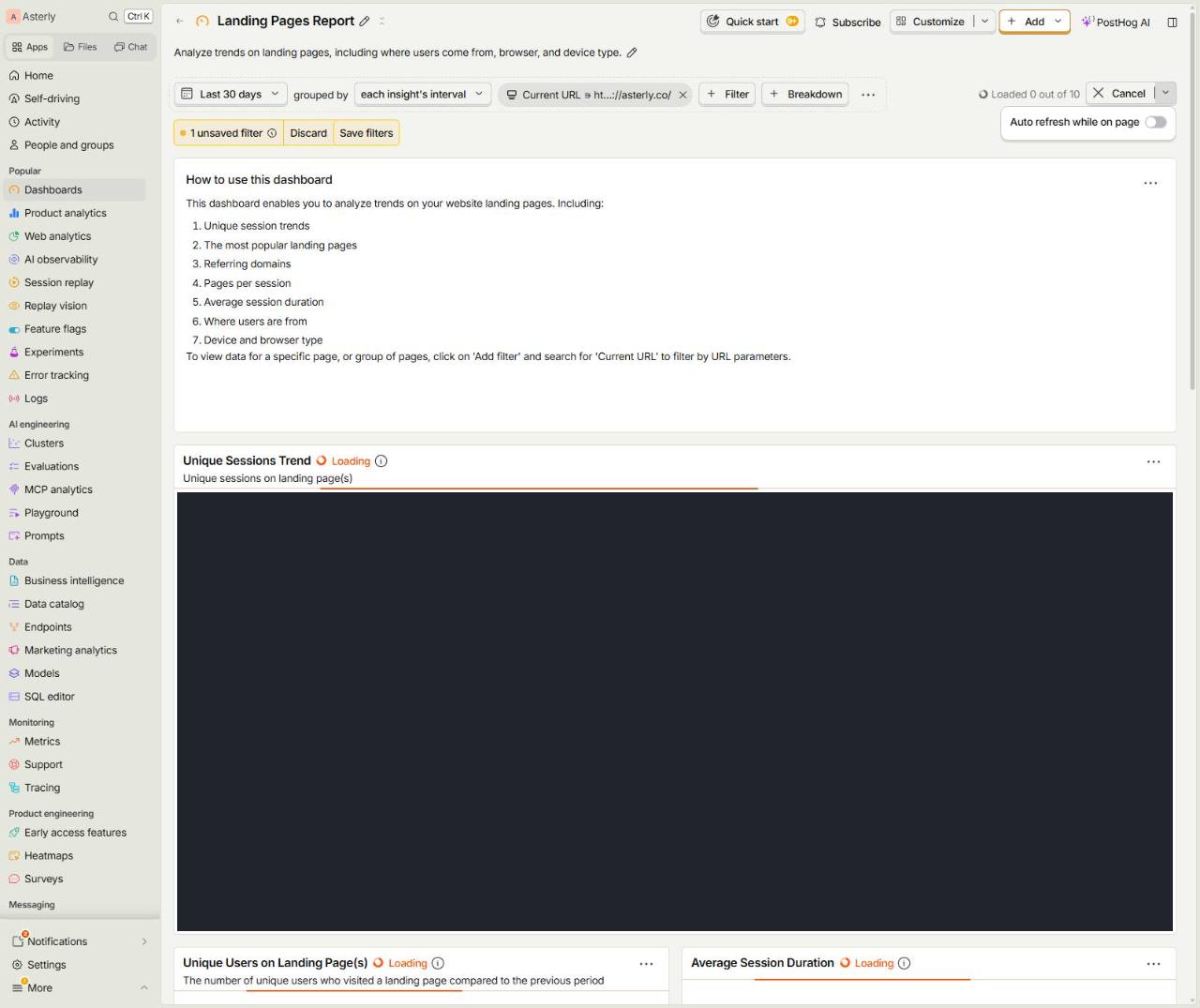
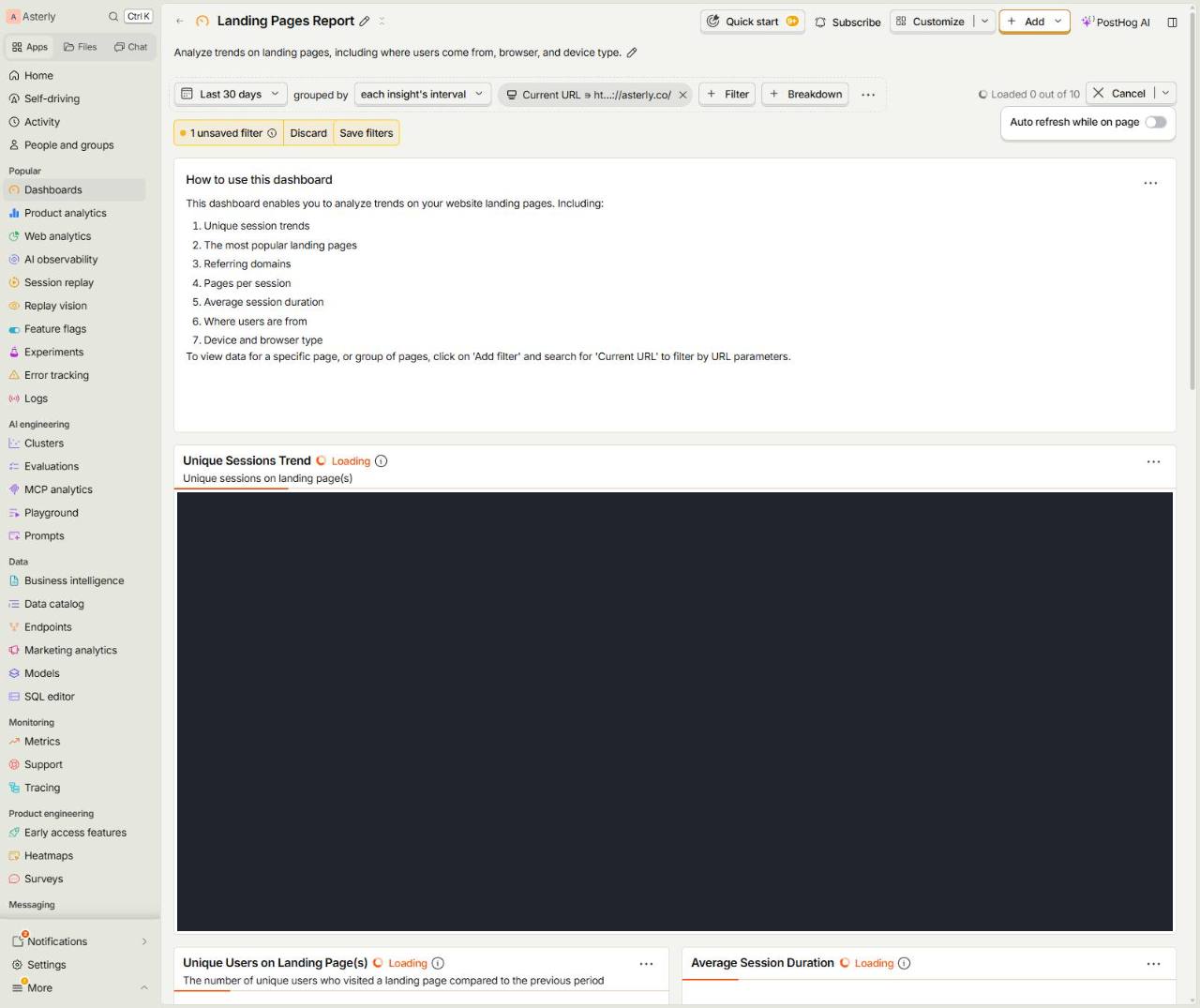
  10. 10.Last 30 daysgrouped byeach insight's intervalCurrent URL ∋ ht…://asterly.co/ Fil
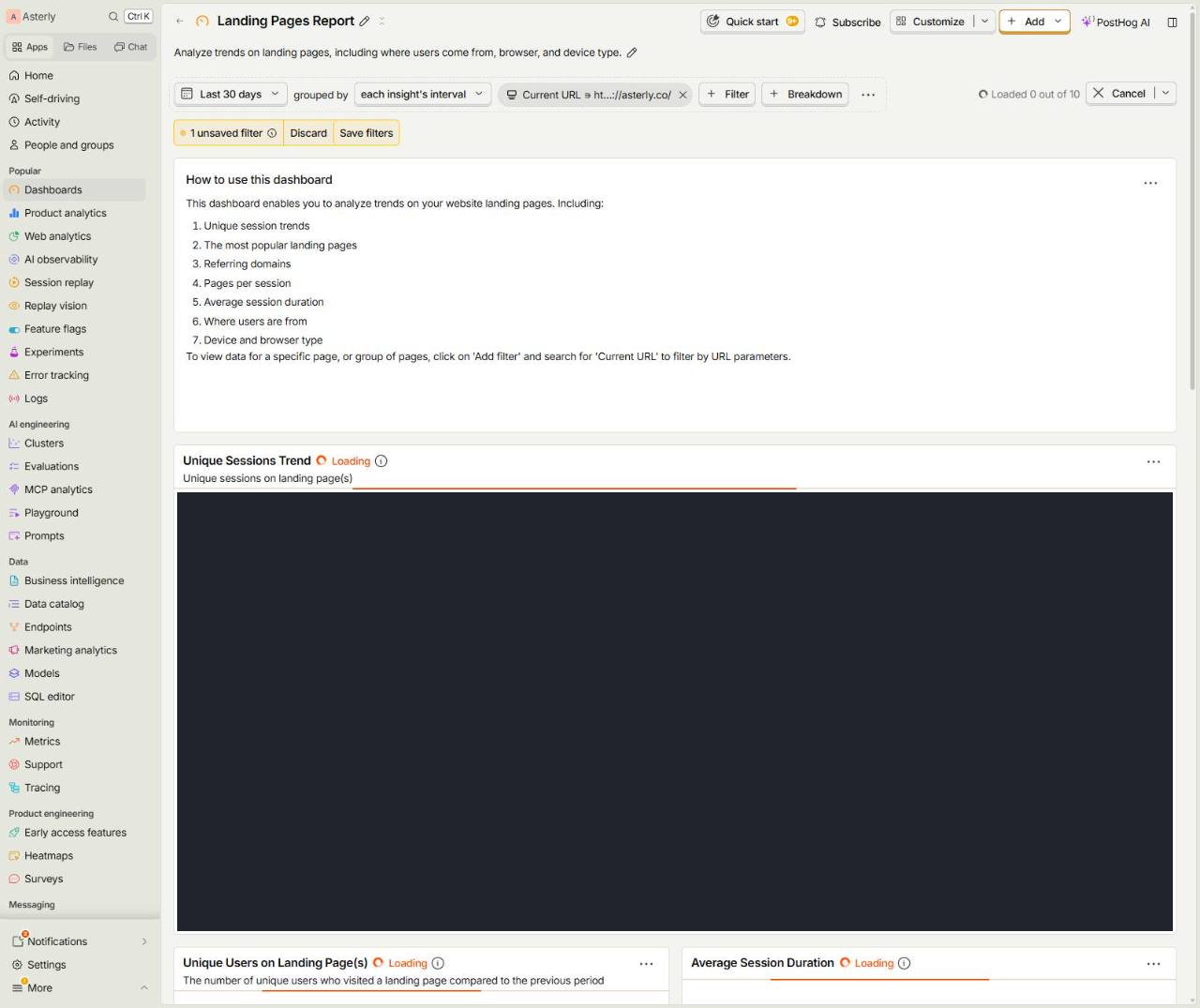
    Last 30 daysgrouped byeach insight's intervalCurrent URL ∋ ht…://asterly.co/ Fil
  11. 11.Select

    Select
  12. 12.Select

    Select
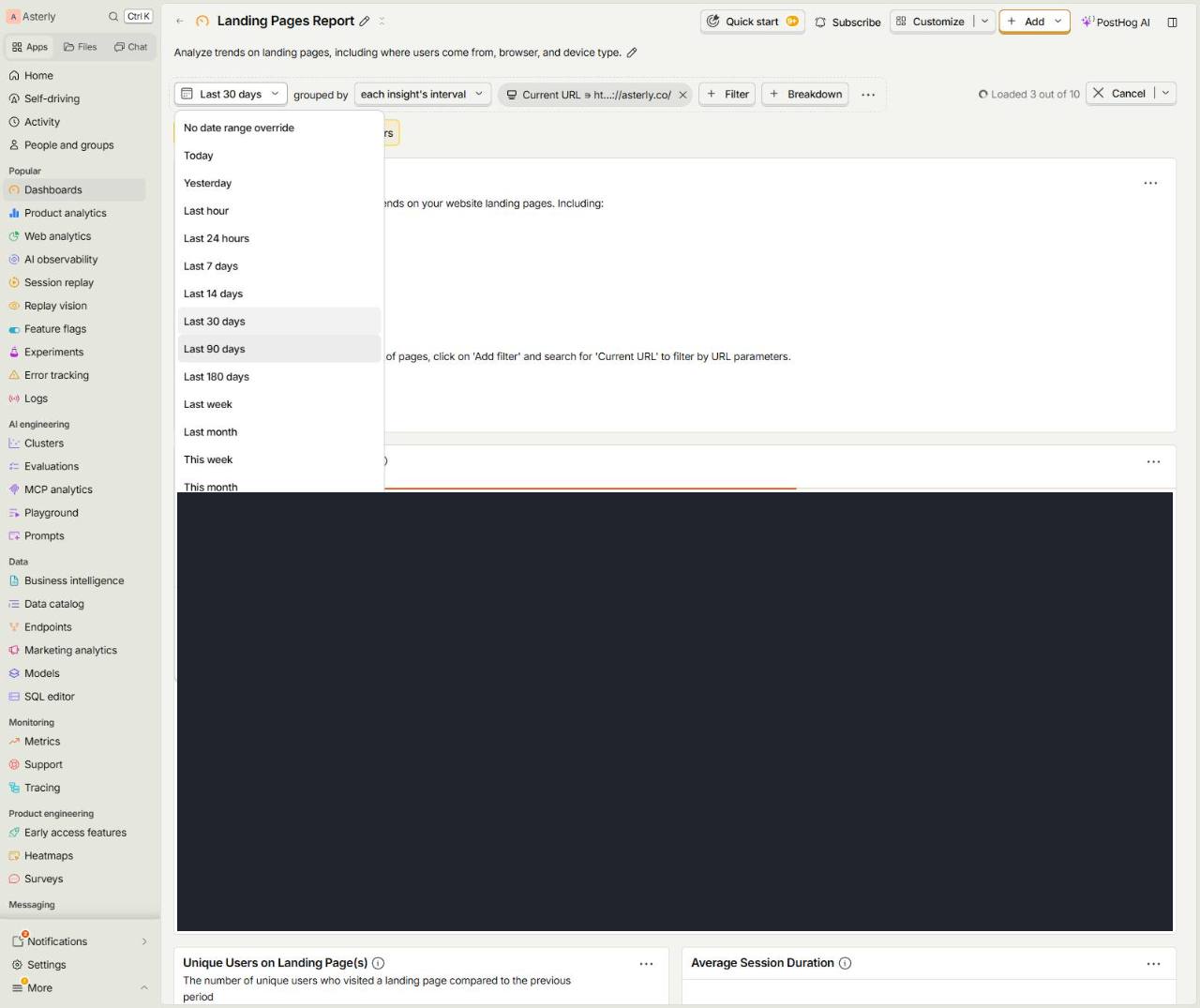
  13. 13.Last 30 days

    Last 30 days
  14. 14.Last 90 days

    Last 90 days